Shape Glow
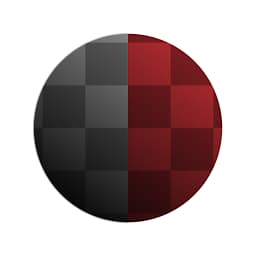
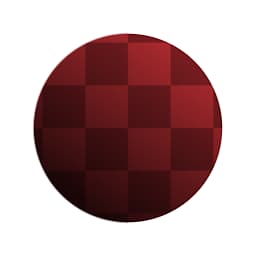
Shape Glow (Grayscale)
In: Filters/Effects
Intermediate
Description
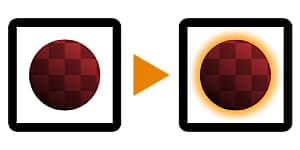
Creates a soft glow around an input mask (for the grayscale version) or a shape with an alpha channel (for the color version). Compared to Glow, this works in ways more similar to other 2D image editing software, as it is a more complete effect with more controls.
Parameters
- Mode: Soft, PreciseSwitches between two accuracy modes.
- Width: -1.0 - 1.0Controls how far the glow reaches.
- Spread: 0.0 - 1.0Cut-off / treshold for the blurring effect, makes the glow appear solid close to the shape.
- Opacity: 0.0 - 1.0
Blending Opacity for the glow effect. - (Shadow) Color: *(Color value)*Color tint to be applied to the glow.
- Mask Color: *(Color value) *(Grayscale Version Only)**Solid color to be used for the transparency mapped output.
- Input Is Pre-Multiplied: *False/True *(Color Version Only)**Whether the input should be assumed as pre-multiplied.
- Pre-Multiply Output: False/TrueWhether the output should be pre-multiplied.
| table 0-row-1 1-row-1 |
|---|
|
recommendation-more-help
dd48abc6-e399-43d2-9777-578ec70c5a23