RT Shadows
In: Filters/Effects
Description
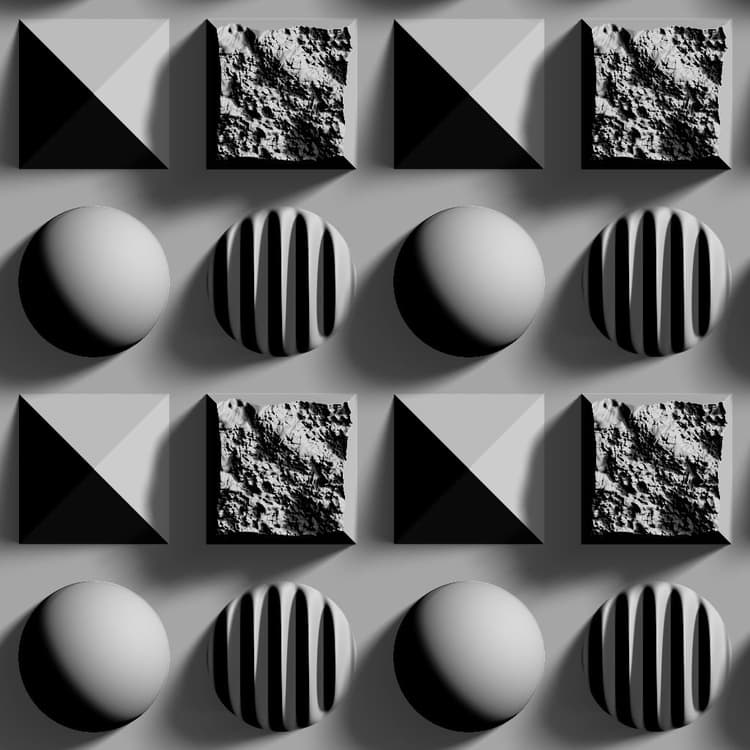
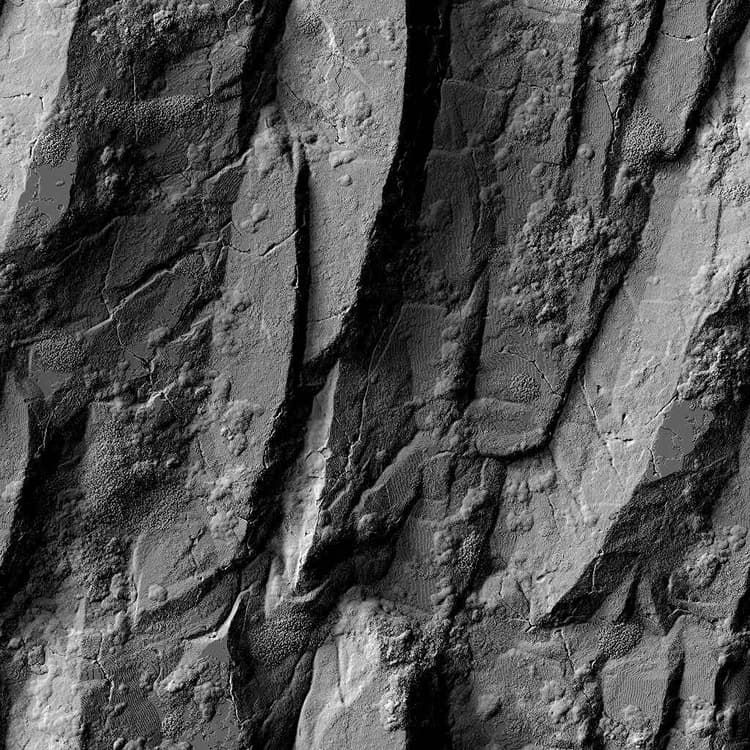
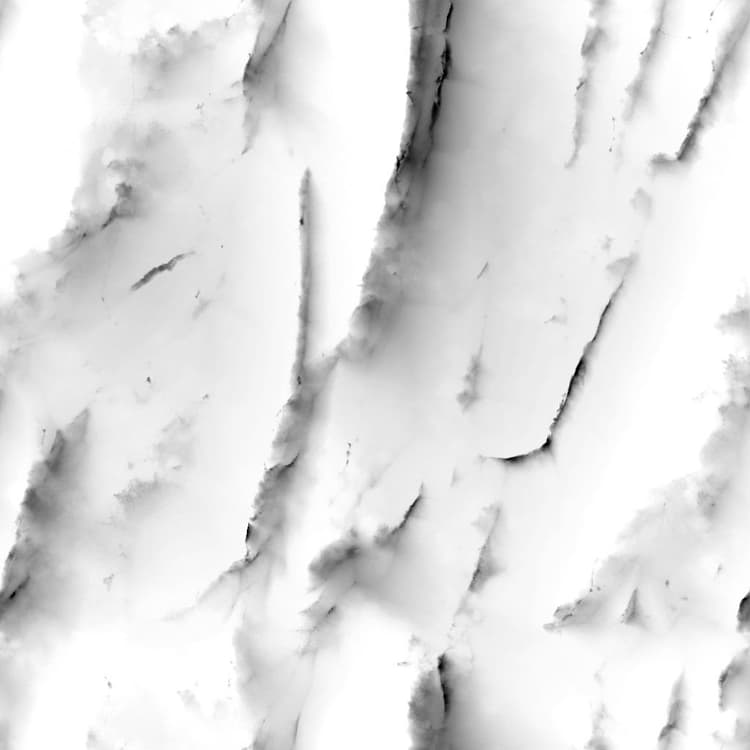
Generates ray traced shadows from a height map input.
This node should not be used in combination with the CPU (SSE) engine due to computation time.
Parameters
Samples Integer
The number of rays used to compute the shadows.
A higher value provides a smoother and more precise result, at the cost of performance.
Mode Integer
The method of drawing the shadows on the surface.
Height Scale Float
A multiplier for the intensity of the input height map.
Light Position Float2
The position of the light source on a sphere enclosing the surface:
- X: horizontal position, in number of turns;
- Y: vertical position, where 0.5 is the zenith and 0/1 are the horizon.
Light Intensity Float
The intensity of the light source.
Light Size Float2 (Available when Mode is set to Shaded)
The size of the light source as a rectangle.
Light Scale (Soft Shadows) Float
A multiplier for the contribution of the Light Size to the direction of the rays.
A higher value results in smoother shadows.
Keep Light Above Horizon Boolean
If Light Position is set in a way that places the light below the horizon, this parameter prevents the light from crossing that threshold, meaning that Y values are clamped to the [0;1] range.
Shadow Opacity Float
A multiplier for the opacity of shadows drawn on the surface.
Shadow Attenuation Float
A multiplier for the attenuation of the shadows the farther they are from their caster.
A value of 0 results in uniform shadows (soft shadows are still applied).
Max Shadows Length Float
The maximum distance a shadow can be drawn from its caster.
A value of 0 results in no visible shadows.
Example Images