Extend Shape
| table 0-row-2 0-border-0 1-border-0 2-border-0 html-authored no-header | |
|---|---|
|
|
In: Filters*/Effects*
Simple
Description
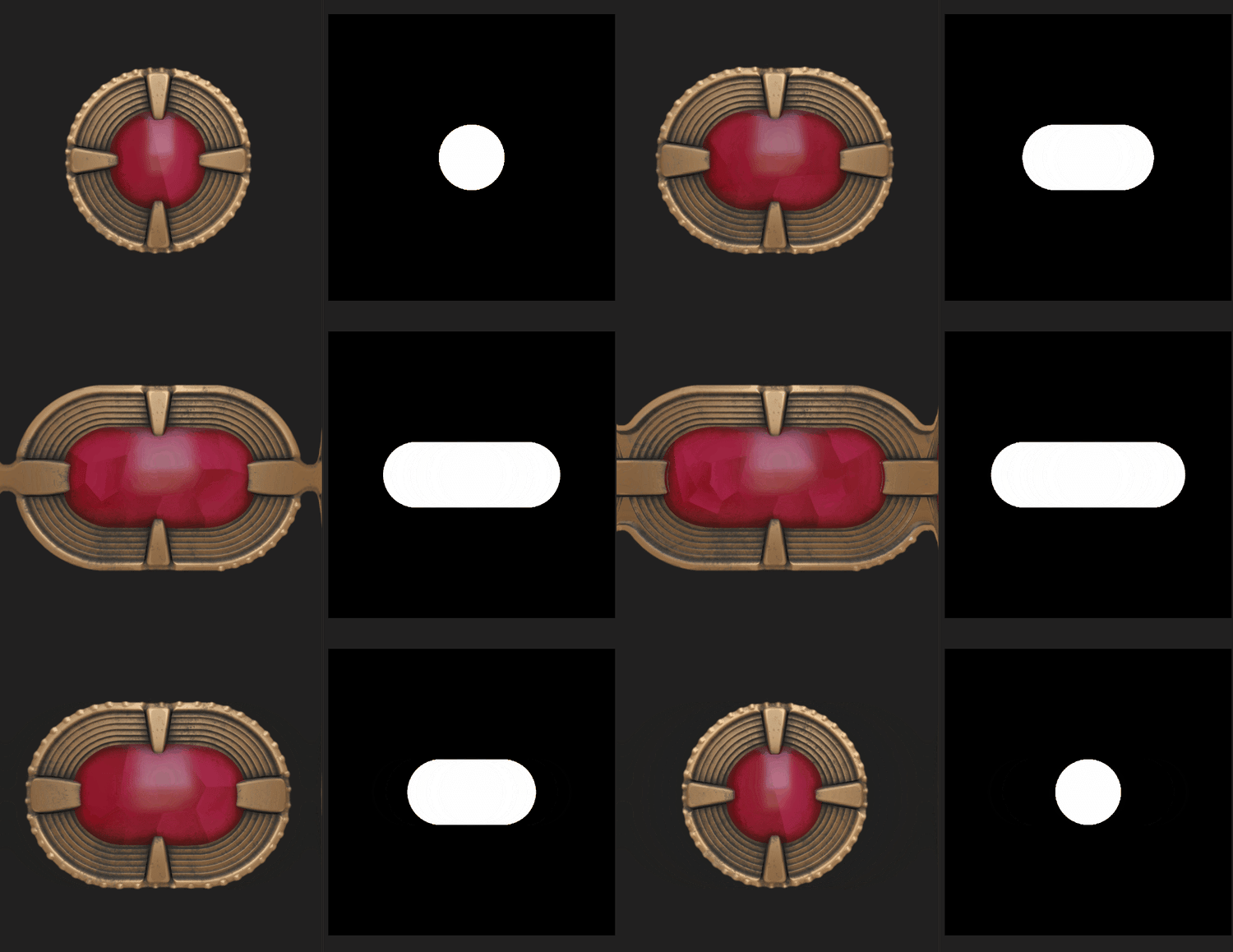
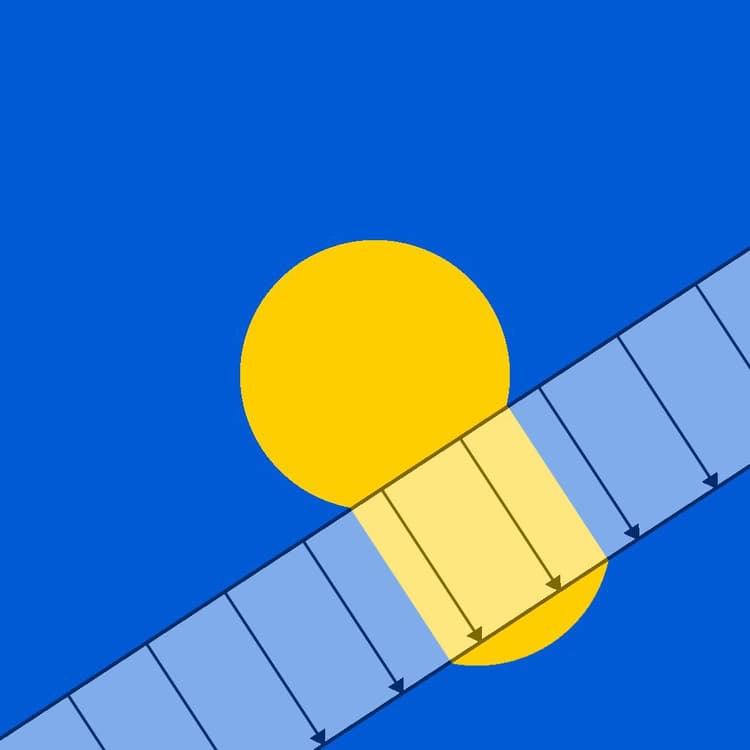
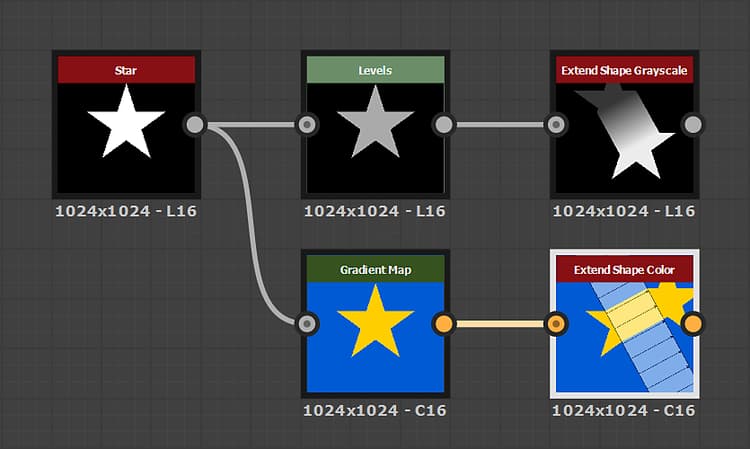
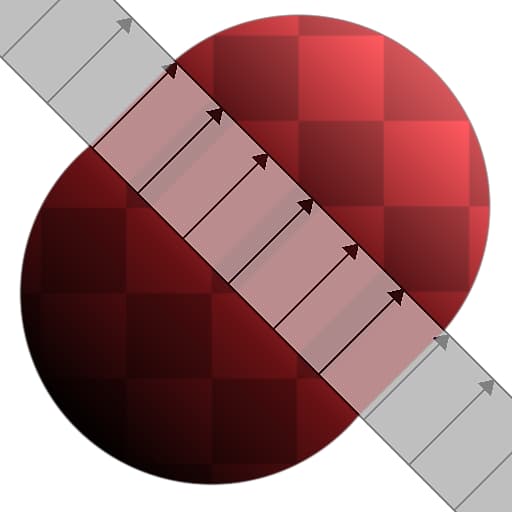
The Extend Shape node extends a section of the Input over a set direction and distance.
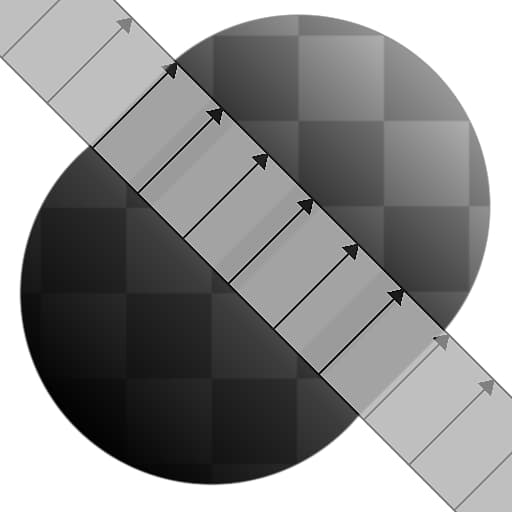
The Show helper parameter lets you visualize the extended section and extension direction.
Parameters
-
Mode IntegerDefines the parameters used to apply the extension:
- Bidirectional: The section of the Input specified by the Extension Position and Extension Angle is extended over the Extension Distance in opposite directions
- Unidirectional: The section of the Input specified by the Extension Position and Extension Angle is extended over the Extension Distance in a single direction
- Start / End Positions: An extension vector is defined by Start Position and End Position. The perpendicular section of the Input at the Start Position is extended over this vector up to the End Position
-
Extension Distance FloatThe distance over which section specified by the Extension Position and Extension Angle should be extended. The distance is expressed as a proportion of the image span.
-
Extension Position FloatThe position in the image of the section which should be extended. The value is expressed as an offset from center.
-
Extension Angle FloatThe angle of the section which should be extended, considering the starting point is a vertical section.
-
Start Position Float2The start position of the extension vector.
-
End Position Float2The end position of the extension vector.
-
Start Luminance Offset FloatApplies a luminance offset to the area of the image preceding the extended section. This luminance offset is interpolated along the section to the luminance of the area of the image following the section.
Note: This parameter is only available in the Grayscale version of the node. -
End Luminance Offset FloatApplies a luminance offset to the area of the image following the extended section. This luminance offset is interpolated along the section to the luminance of the area of the image preceding the section.
Note: This parameter is only available in the Grayscale version of the node. -
Lum. Offset Ignores Black Pixels BooleanWhen set to True, the luminance offsets specified in both Start Luminance Offset and End Luminance Offset are only applied to non-black pixels – i.e., pixels which value is higher than 0.
Note: This parameter is only available in the Grayscale version of the node. -
Filtering Mode IntegerDefines how to treat the sampled results when interpolating between pixels:
- Nearest: will sample exactly the same value (faster)
- Bilinear: will apply a bilinear filter on the result for a smoother look
-
Show Helper BooleanVisualize the extended section as an overlay with arrows showing the direction of the extension.
Example Images