Emboss With Gloss
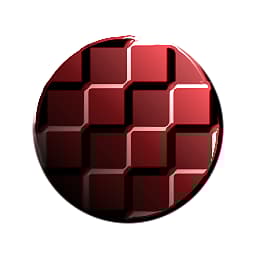
Emboss With Gloss
In: Filters/Effects
Intermediate
Description
Performs an Embossing effect with added gloss (specular reflection) on a color and height input. Essentially adds fake, baked lighting to an image based on height information. Useful for some texturing styles that require lighting baked into the textures.
For a version with more options, see Uber Emboss. There’s also the simpler, atomic version of Emboss.
Parameters
Inputs
- Color: Color Input
- Height: Grayscale Input
Parameters
- Highlight Color: *(Color value)*Color of the specular highlight.
- Shadow Color: *(Color value)*Color used in shadowed/unlit areas.
- Gloss: 0.0 - 0.5Glossiness highlight size.
- Intensity: 0.0 - 10.0Intensity of the highlight.
- Light Angle: 0.0 - 1.0
Incidence angle of the (faked) light.
Example Images
| table 0-row-1 1-row-1 |
|---|
| There are no images attached to this page. |
recommendation-more-help
dd48abc6-e399-43d2-9777-578ec70c5a23