Diffusion Color
In: Filters/Effects
Intermediate
Description
Apply a diffusion process to the colors in the Source image input according to the provided Mask image input, creating smooth gradations between colors when using Substance 3D Designer.
Only colors from pixels matching the mask are diffused; other pixels do not participate in the result.
Parameters
- Iterations: 0.0 - 64.0The number of diffusion iterations to perform (higher is better but slower). Useful values are in the [8, 48] range.
Please note that if you are not looking for mathematical correctness, low values are fine or even better.
Distance: 0.0 - 1.0Adjusts the maximum distance of the diffusion. - Enable Dithering: True/FalseControls the sampling method of each pass. Dithering allows convergence in less passes, but introduces noise.
Without it, each pass is faster but more passes are required to achieve a smooth result without banding artifacts. - Is Normal Map: True/FalseAdds a normalization on values at every step.
- Use Alpha as Mask: True/FalseUse the alpha channel of the Source input as the diffusion mask, instead of the Mask input.
Inputs
- Source Color
The image to diffuse. - Mask Grayscale
Diffusion mask: white pixels are sampled in Source and diffused in black pixels. The image should be black and white. If the mask includes gradients, the cutoff value is 0.5. - Intensity Grayscale
Defines locally how strong the diffusion process is applied. This map should be contrasted for a noticeable effect.
Example Images
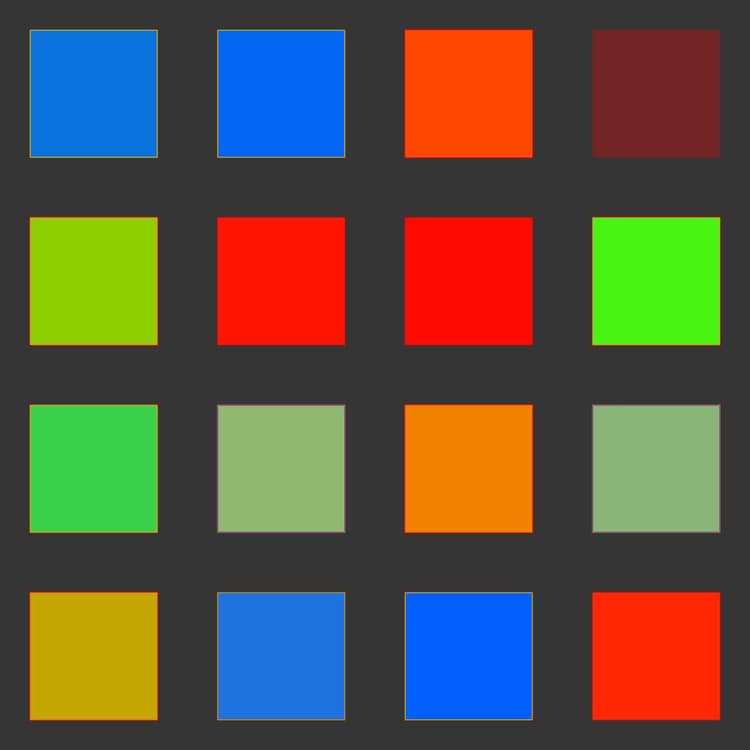
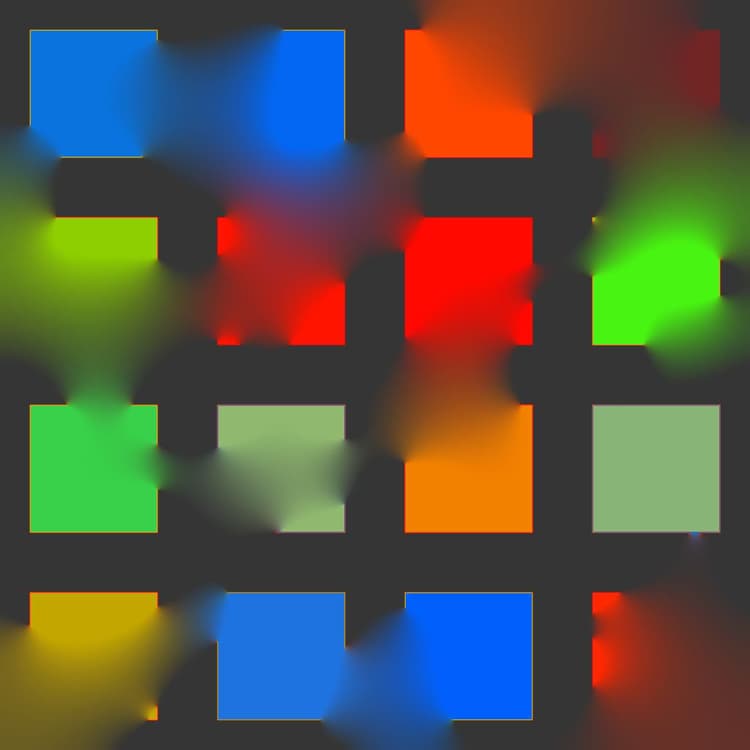
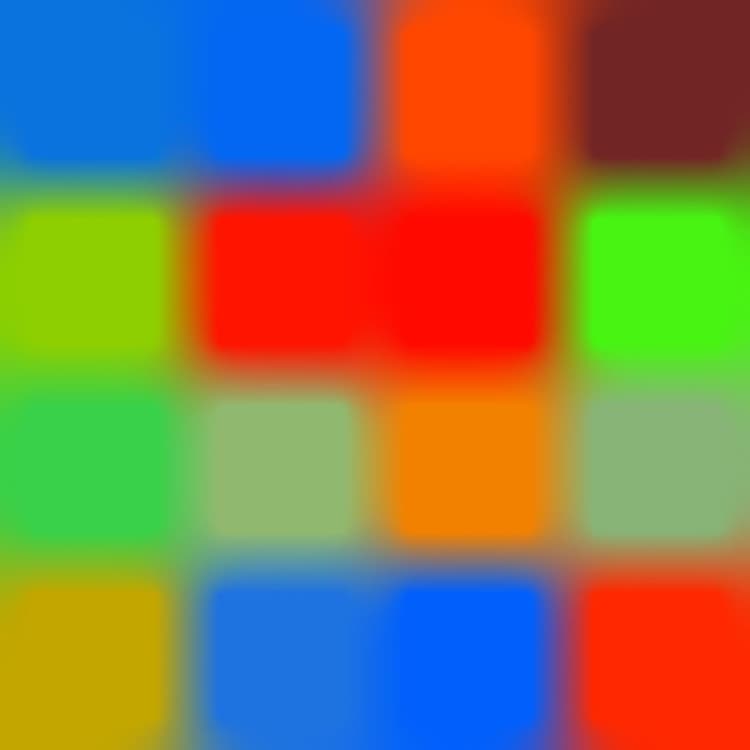
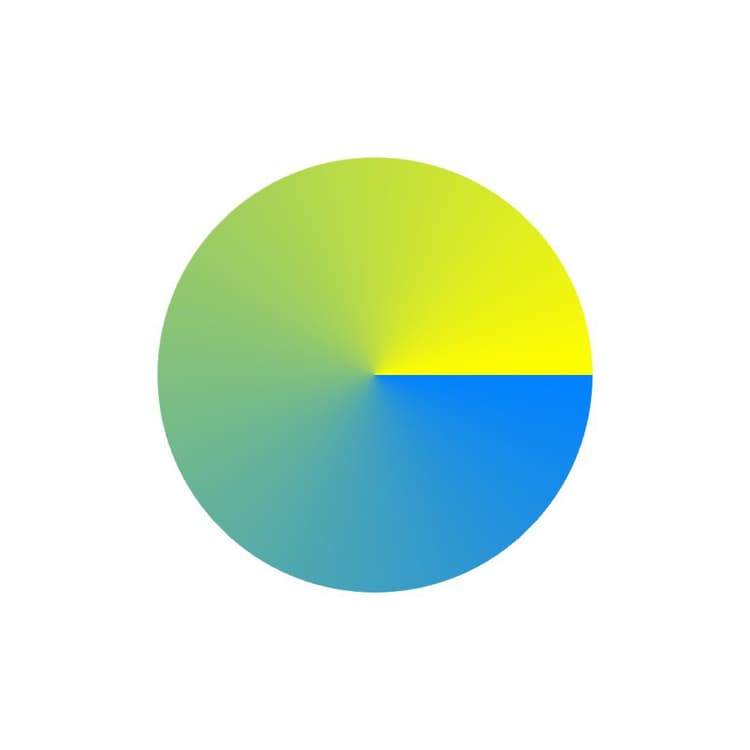
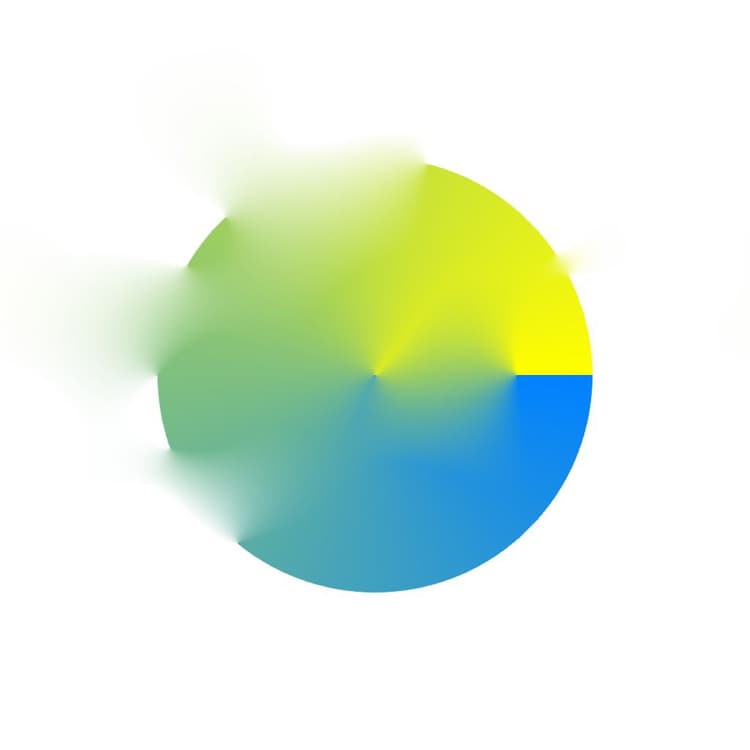
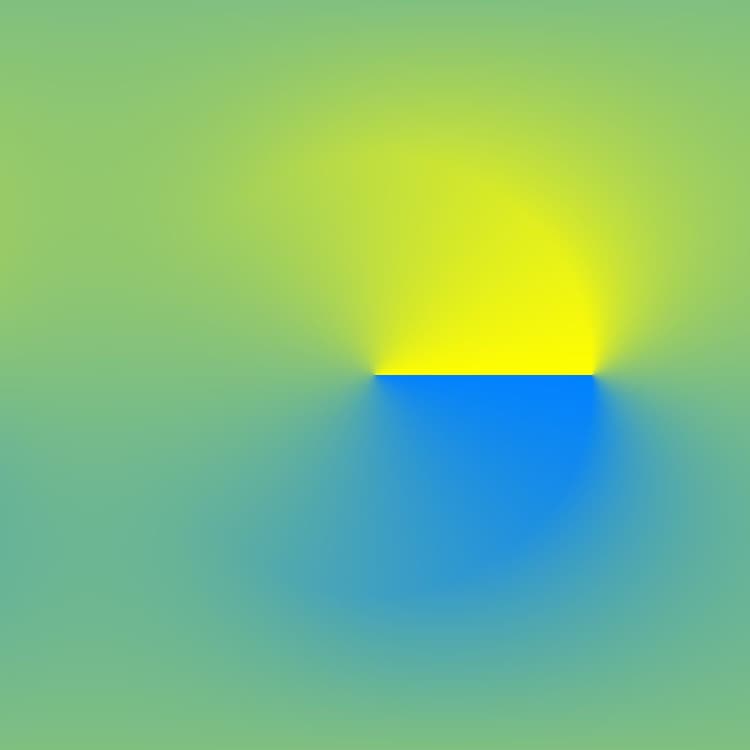
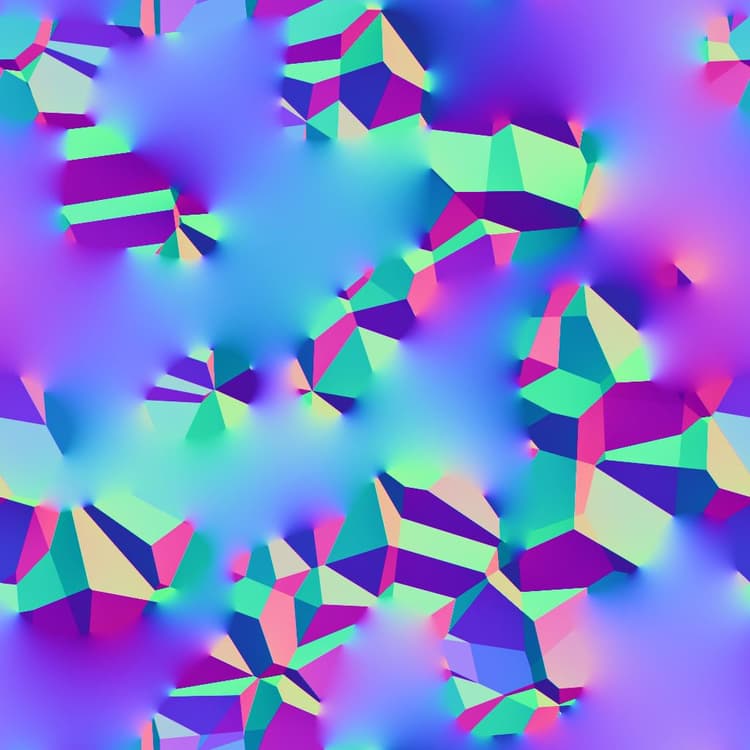
recommendation-more-help
substance-3d-designer-help-guide