Bevel smooth
In: Filters > Effects
Description
Draws a gradient or a flat color from the borders of a mask outward, inward or both.
Overlapping gradients are sorted by inverted normalized distance so that the distance to the closest border is drawn.
The distance of the gradient can be dynamically adjusted along the border using a distance map.
TIP
The Directional distance node offers similar capabilities, where the dilation is performed in a specific direction.
Input connectors
Mask input Grayscale PRIMARY
The image from which the mask should be extracted. All values above the ‘Mask Threshold’ value are white in that mask.
Source input Grayscale
An optional input only used when the ‘Output Mode’ parameter is set to ‘Dilation’. In that case, this image is overlaid on the white areas of the mask, and the grayscale values at the borders are dilated.
Distance map Grayscale
An optional input used when the value of the ‘Distance Map Multiplier’ parameter is higher than 0. It is used to adjust the beveling/dilation distance along the borders of the mask, where a darker value results in a shorter distance.
Output connectors
Output Grayscale
The result image, according to the selected ‘Output Mode’.
UV Color
A UV map where the UVs are dilated along the mask borders. This can be connected to a UV Mapper node to map any other image using these dilated UVs.
Parameters
Output mode Integer
The method of dilating the mask borders:
- Bevel: draw a gradient from 1 to 0 where 0 is reached at the Maximum ‘Distance’
- Dilation: draw a solid color as far as the ‘Maximum Distance’. This color is white or the color ‘Source Input’ image at the mask border, if connected
- Distance: the raw distance from the closest mask border, in normalized image space where 1 is the length of the shortest side of the image
Direction Integer Available when ‘Output mode’ is set to ‘Bevel’ or ‘Dilation’
The side of the mask border which should be dilated:
- In: draw towards the interior of the mask
- Out: draw towards the exterior of the mask
- In/Out: draw towards both the interior and exterior of the mask
Maximum distance Float
The distance of dilation, in normalized image space where 1 is the length of the shorter side of the input image.
Mask smoothness Float
The intensity of the smoothing applied to the mask. The value is the radius of the blur, and 1 unit is 1/256th of the image.
Mask offset Float
Moves the mask borders inward or outward.
Mask threshold Float
The value used to detect the borders of the mask in the ‘Mask Input’ image. Values above this threshold are the inside of the mask shapes, while values below are the outside.
Scale Float2
Adjusts the horizontal (X) and vertical (Y) distance of the dilation. These values are multipliers for the ‘Maximum Distance’ parameter value.
Distance map multiplier Integer
Adjusts the impact of the ‘Distance Map’ over the ‘Maximum Distance’.
Examples
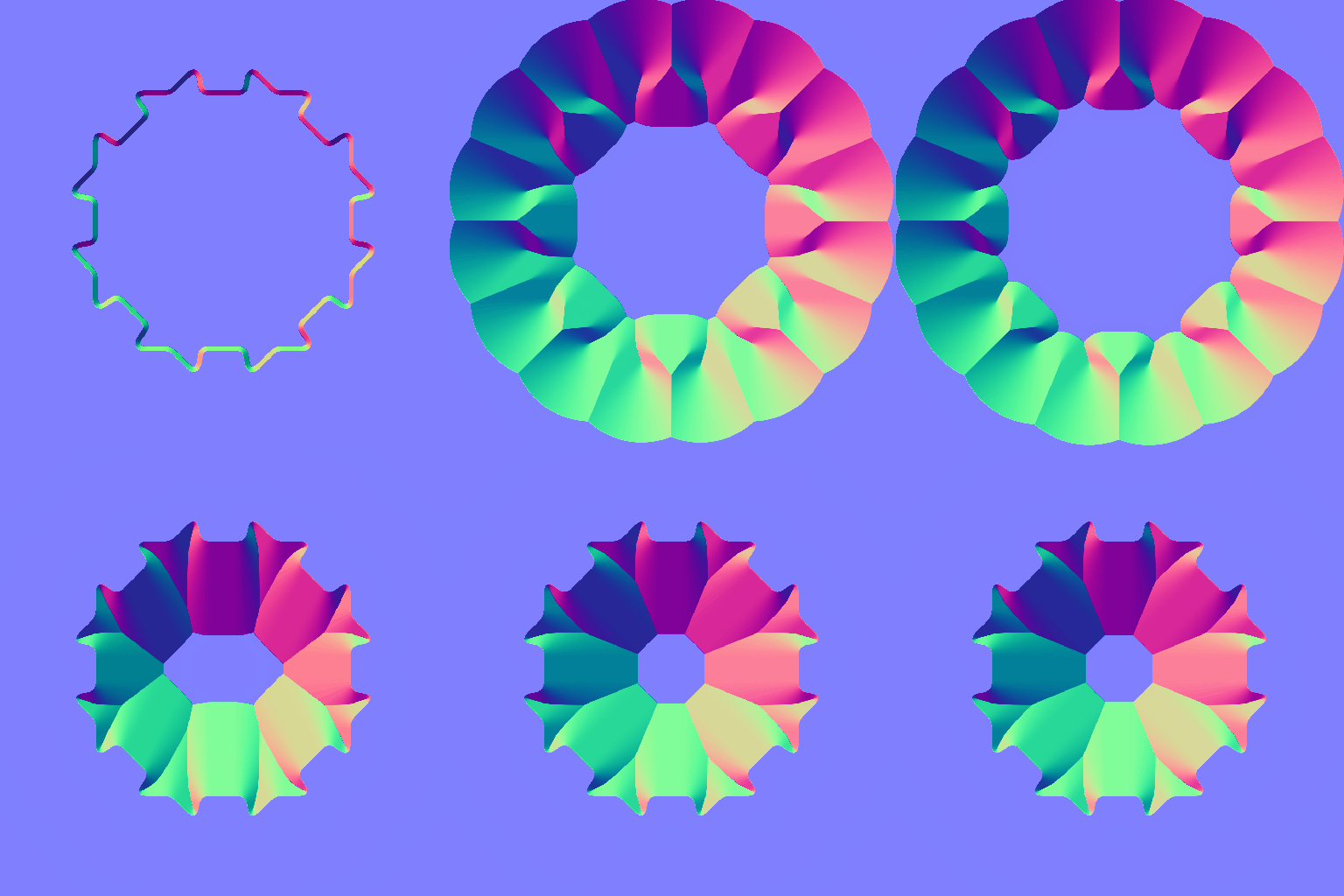
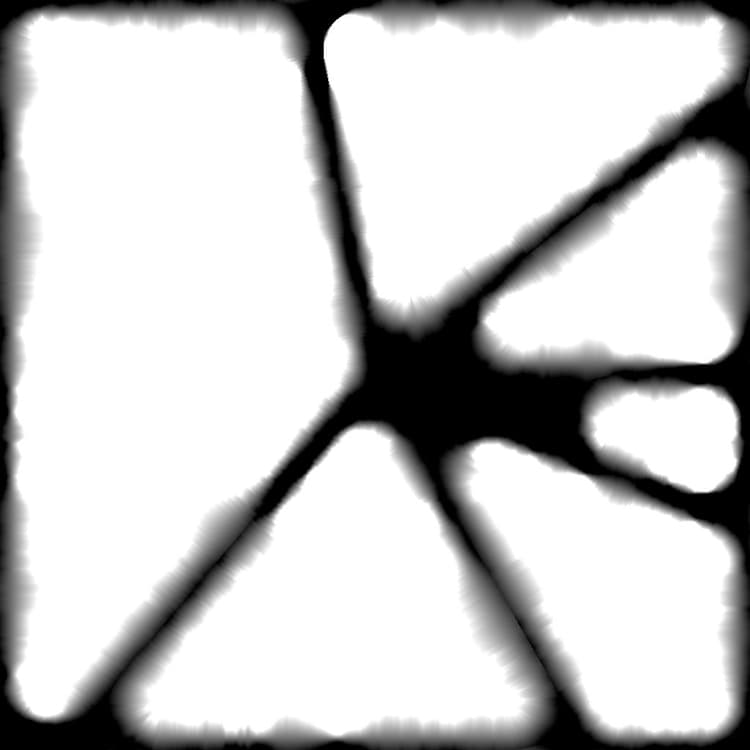
| table 0-row-2 html-authored no-header | |
|---|---|
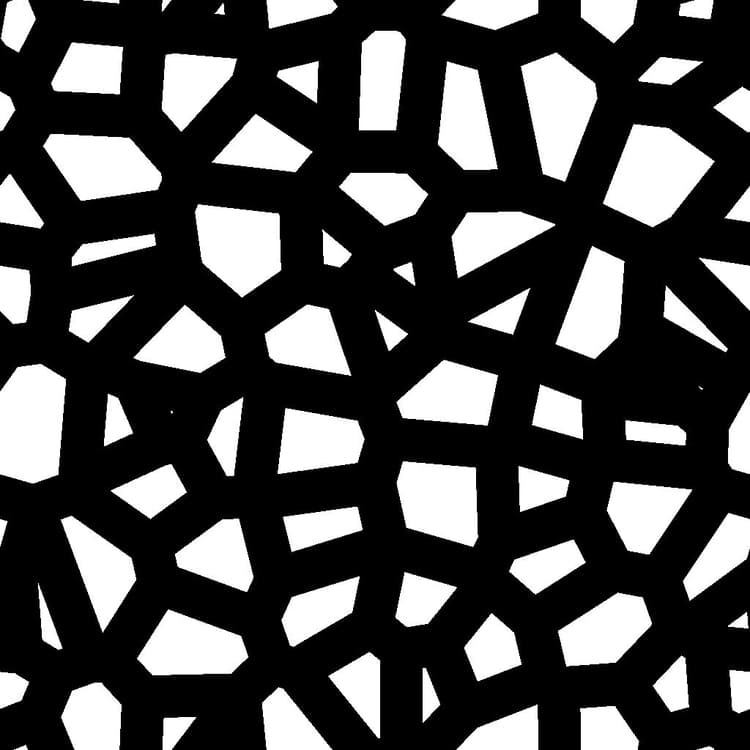
Before |
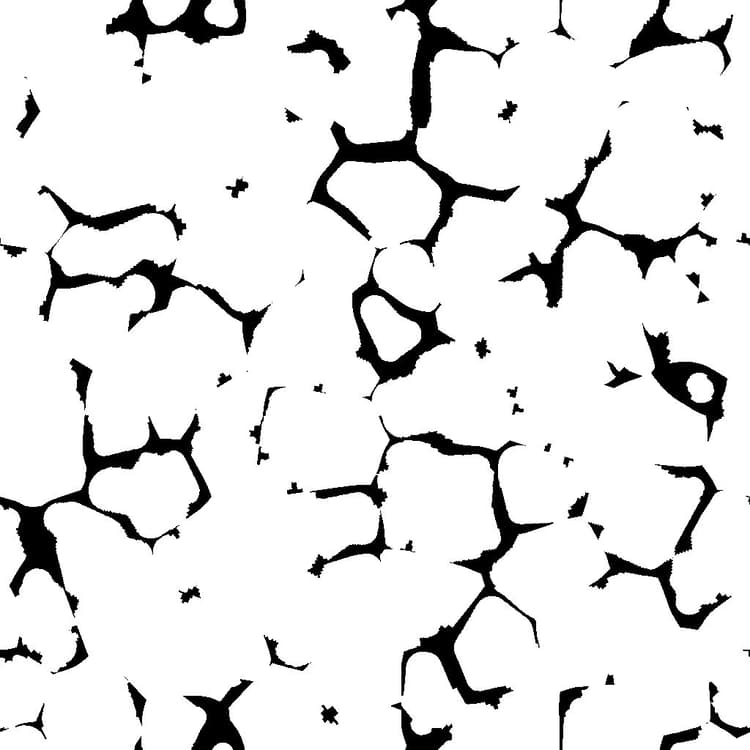
After |
| table 0-row-2 html-authored no-header | |
|---|---|
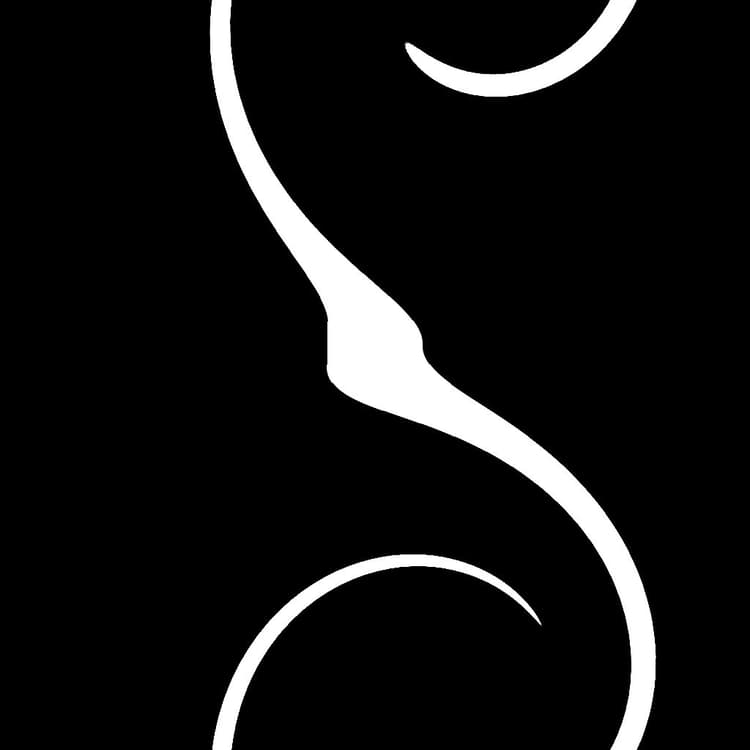
Before |
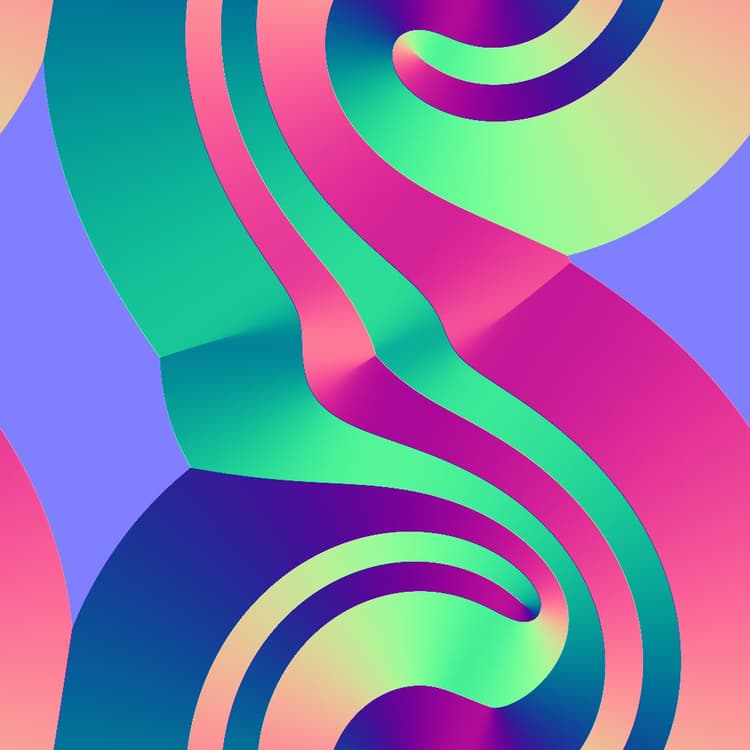
After |
| table 0-row-2 html-authored no-header | |
|---|---|
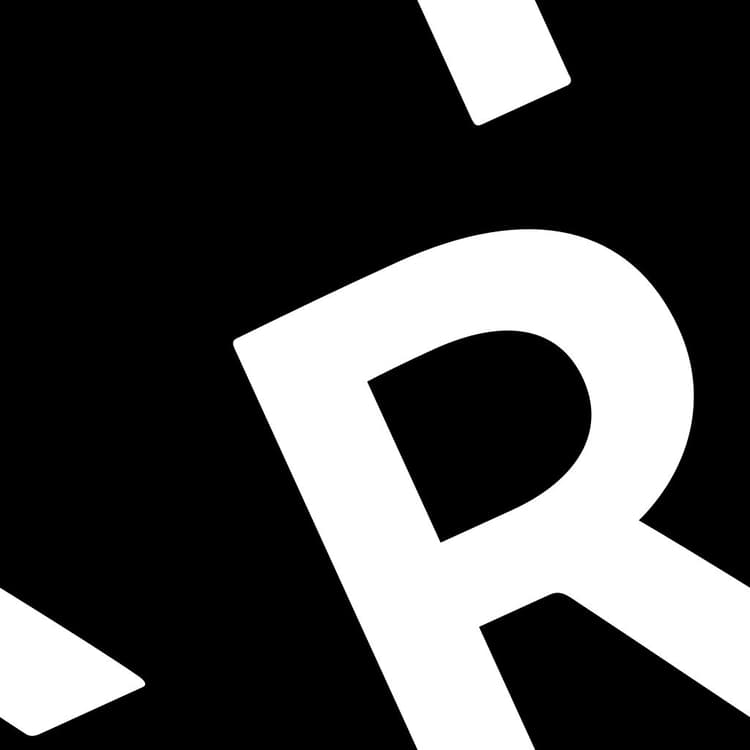
Before |
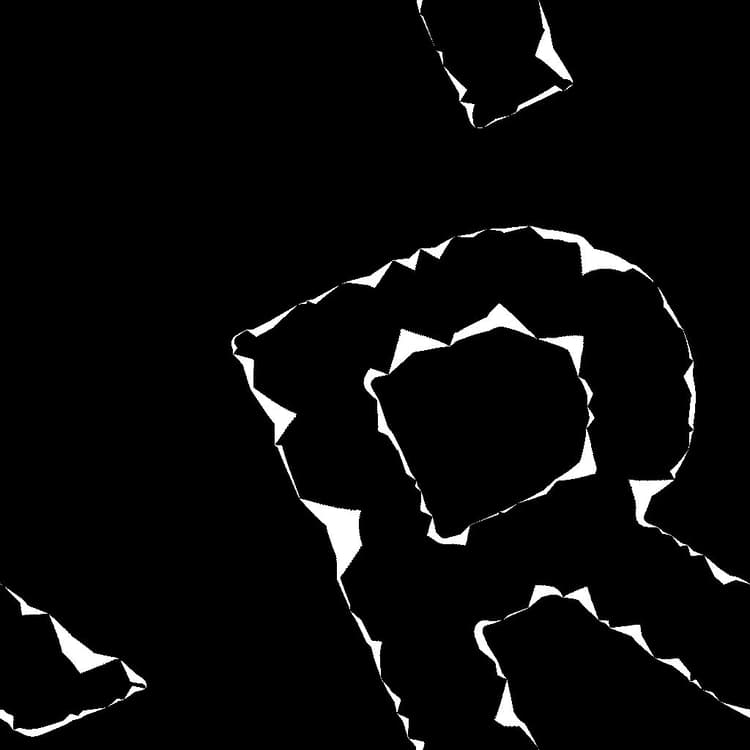
After |
| table 0-row-2 html-authored no-header | |
|---|---|
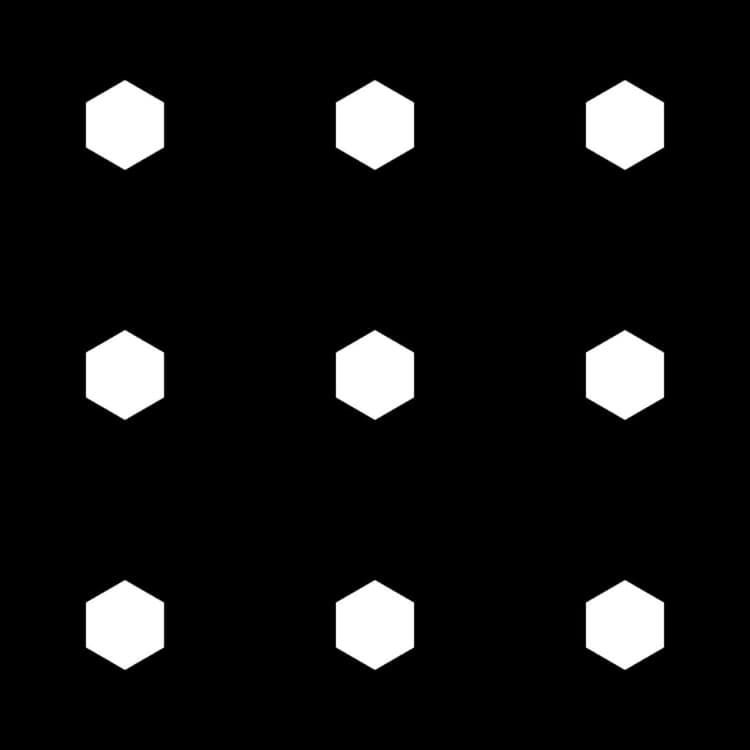
Before |
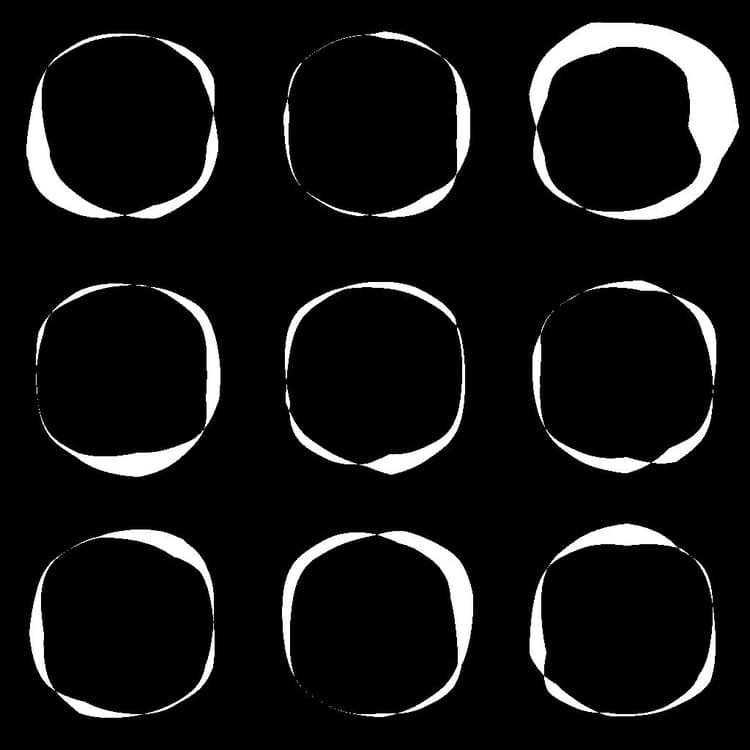
After |
Before
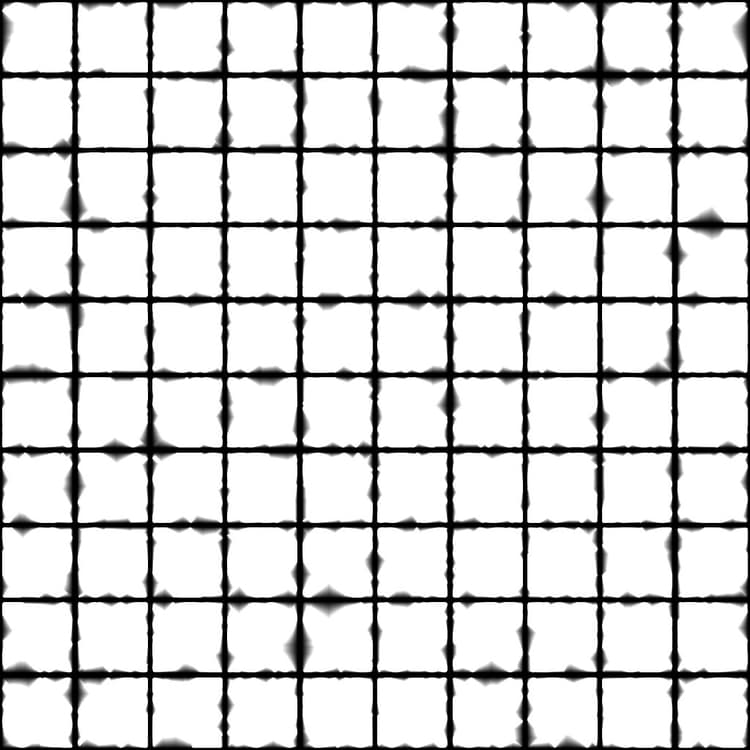
After
recommendation-more-help
substance-3d-designer-help-guide