Non Uniform Blur
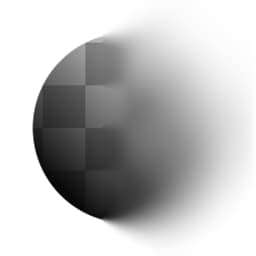
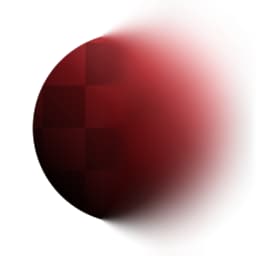
Non Uniform Blur (Grayscale)
In: Filters/Blurs
Intermediate
Description
Performs a High Quality Blur, where the intensity is driven by an input mask. Options allow for Anisotropy and Assymetry to be added.
Parameters
Inputs
- Blur Map: Grayscale InputMask map to drive effect strength.
Parameters
- Intensity: 0.0 - 50.0Maximum strength to apply the blur with. Masked by the Blur Map, so this setting will have no effect on black areas of that map.
- Anisotropy: 0.0 - 1.0Optionally adds directionality to the blur effect. Driven by the Angle parameter.
- Asymmetry: 0.0 - 1.0Optionally adds a bias to the sampling. Driven by the Angle parameter.
- Angle: 0.0 - 1.0Angle to set directionality and sampling bias.
- Samples: 1 - 16Amount of samples, determines quality. Multiplied by amount of Blades.
- Blades: 1 - 9
Amount of sampling sectors, determines quality. Multiplied by amount of Samples.
Example Images
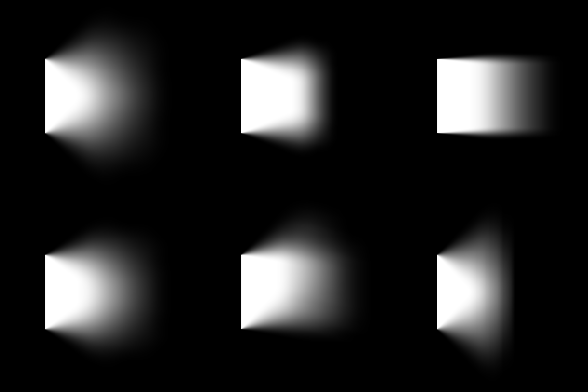
Below example is driven by a gradient ramp (at 90 degrees) in the Blur Map slot.
recommendation-more-help
substance-3d-designer-help-guide