MLV color

In: Filters > Blurs
Description
MLV stands for ‘Mean of Least Variance’. This filter enhances edges and smoothes out noise in an image.
The filter finds structuring areas in an image and uses them to both sharpen and flatten it. In some cases, this may result in steps along gradients wider than the structuring areas.
Input connectors
Input Color The color image which should be processed.
Output connectors
Output ColorThe filtered color image.
Parameters
Intensity FloatThe strength of the filtering applied to the image.
Higher values results in more smoothing of details and noise into flatter areas.
Smoothness Float The intensity of the smoothing applied to the structuring areas, which results in rounder areas and lessens the stepping effect which may occur at higher filtering intensities.
Criterion Integer The criterion used to select the values that will define the structuring areas in the image.
In other words, how pixels should be grouped into areas that should be smoothed out.
- Variance: Select values with the lowest dispersion around the mean, which results in clusters of pixels similar to each other
- Coefficient of variation: Select values while taking the mean into account, which results in less variation in brighter areas inversely
Gaussian Boolean Use a Gaussian distribution for grouping pixels into structuring areas.
When ‘True’, this results in smoother areas and a reduced flattening effect.
Affect alpha BooleanWhen ‘True’, filtering is also applied on the alpha channel of the image.
When ‘False’, the alpha channel is ignored entirely and left as is in the output.
Iterations IntegerThe number of times the filter is run, where each iteration is applies on the result of the previous one.
More iterations result in flatter and sharper structuring areas.
Examples

Before
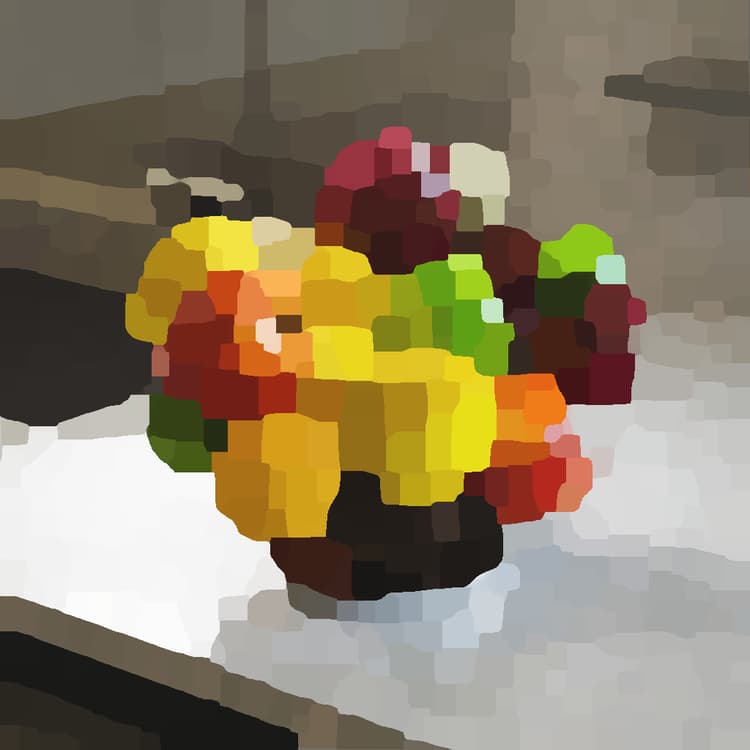
After
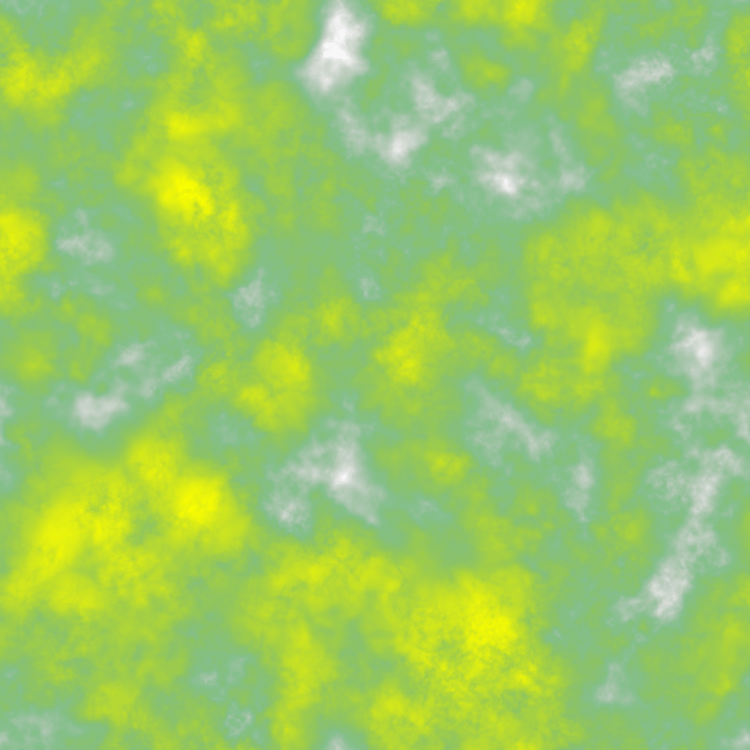
Before
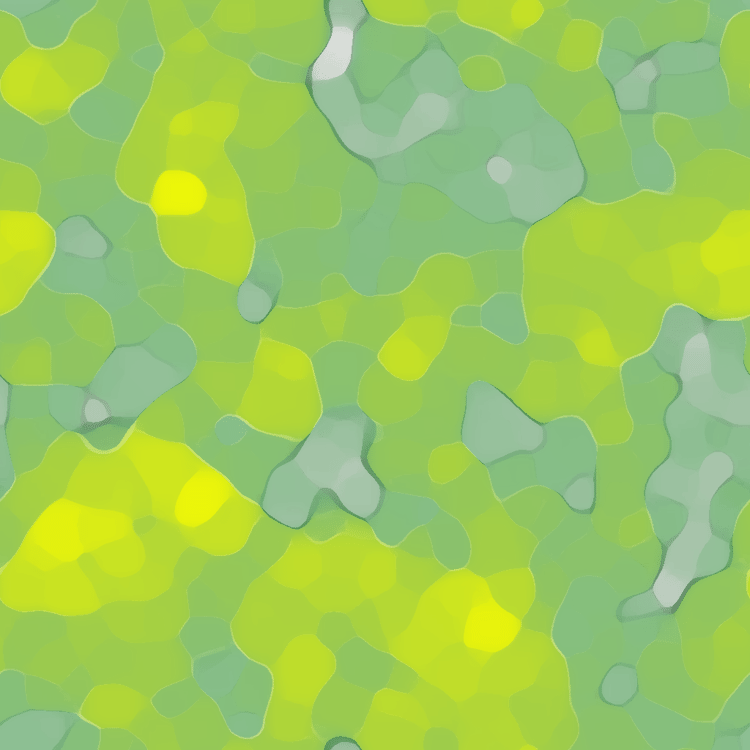
After
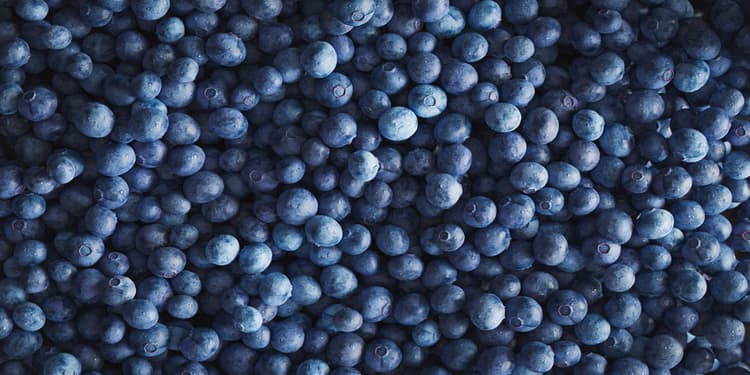
Before

After