Median filter color
In: Filters > Blurs
Description
This filter smoothes out noise in an image while preserving edges.
For every pixel, the node computes a color value according to the median value of the pixel’s neighbours.
Input connectors
Input Color The color image that the filter should be applied to.
Output connectors
Output ColorThe color image computed by applying the filter to the input color image.
Parameters
Kernel size IntegerA kernel is a specific group of values used in a filter’s computations. In this context, it is the values of the neighbouring pixels.
For every pixel, the filter takes all neighbors around that pixel in a square kernel and computes the median value of all neighbors.
This parameter controls the size of that square kernel, in pixels. A larger kernel results in a stronger, farther-reaching smoothing effect at the cost of some detail.
- 3x3: a kernel 3 pixels wide and 3 pixels tall, totalling 8 neighbor pixels.
- 5x5: a kernel 5 pixels wide and 5 pixels tall, totalling 24 neighbor pixels.
Filter type Integer The computation applied to the neighbors sampled in the kernel.
- Median: Use the median value of all neighbors directly.
- MLMAD: Stands for ‘Median Of Least Median Absolute Deviation’. The deviation accounts for how different a value is from the median. Instead of using the median value directly which may be skewed by an outlier pixel with high deviation, the MLMAD method uses the median of all deviations. This method results in a stronger smoothing effect that may flatten areas according to the kernel size.
Affect alpha Boolean Controls whether the filter should be applied to the image’s alpha channel. When True, the alpha channel is unchanged.
Examples
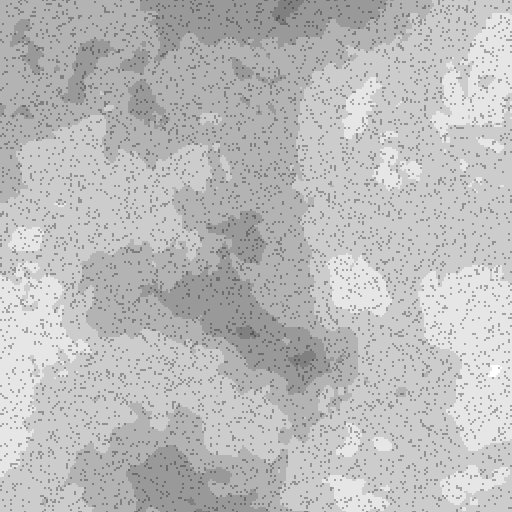
Before

After

Before

After