ID To Mask Grayscale
In: Filters > Adjustments
Description
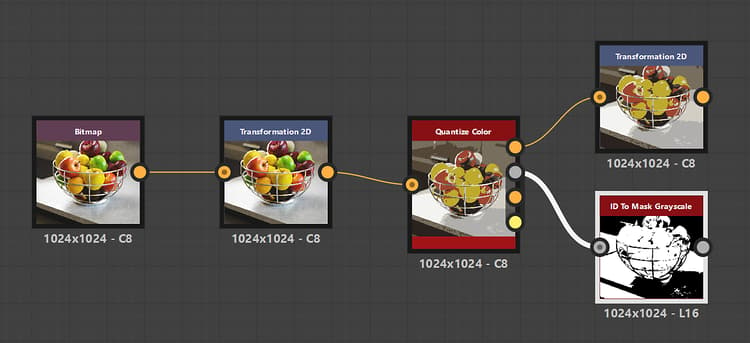
Creates a mask out of an ID map where the pixels with the selected pixel values are white.
An ID map is an image where pixels which are part of a whole (E.g., a shape) all hold the same unique identification value. In this case, the value is an integer.
Input connectors
ID Grayscale PRIMARY
The input ID map from which a mask should be extracted.
Output connectors
Output Grayscale
The binary mask extracted from the input ID map.
Parameters
Selection mode Integer
The method of selecting the pixel values in the ID map which should be white in the mask:
- Solo: Select a single pixel value
- Range: Select a range of pixel values
ID Integer Integer Available when ‘Selection mode’ is set to ‘Solo’
The pixel value in the ID map which should be white in the output mask.
ID Range Integer2 Available when ‘Selection mode’ is set to ‘Range’
The range of pixel values in the ID map, from start to end, which should be white in the output mask.
Examples
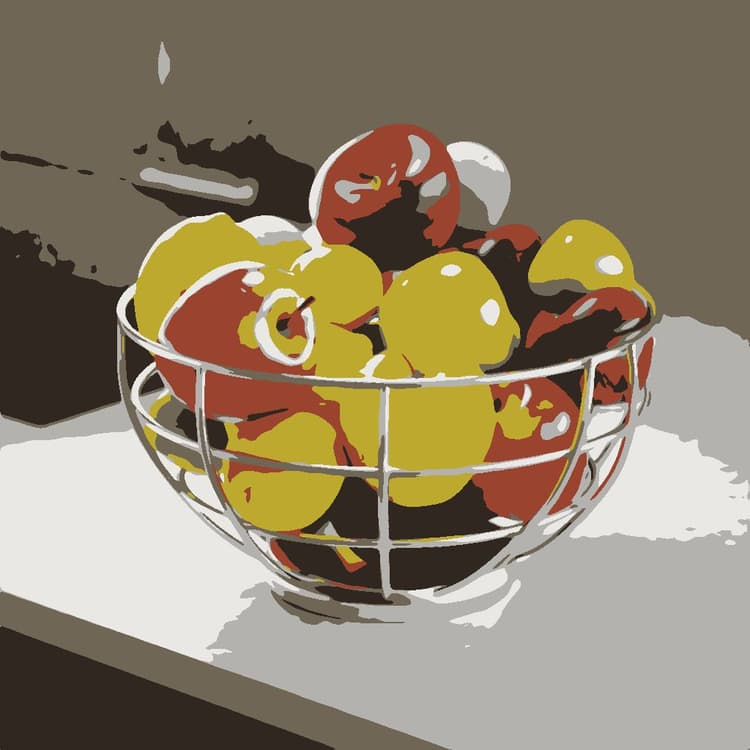
Before
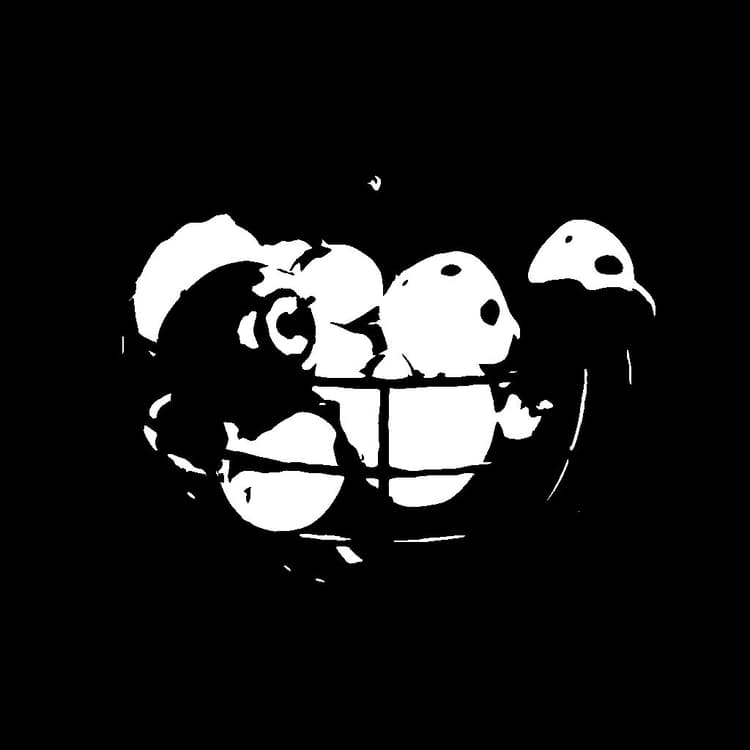
After

recommendation-more-help
substance-3d-designer-help-guide