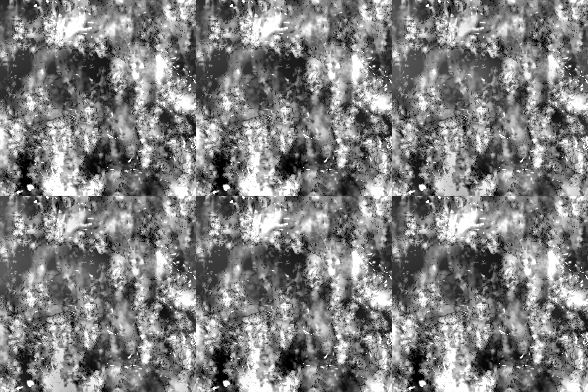
Highpass
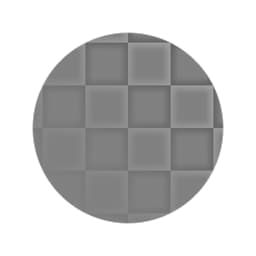
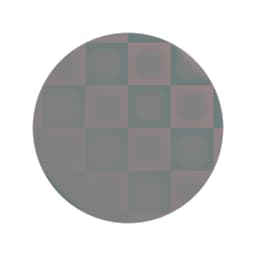
Highpass (Grayscale)
In: Filters/Adjustments
Simple
Description
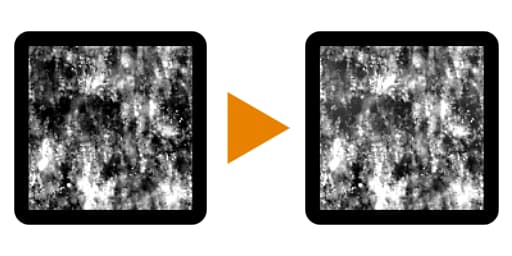
Performs a highpass filter, available in color as well as in a grayscale version. Similar to the Photoshop action with the same name.
Useful for removing large Luminance differences in images, such as when cleaning up textures for tiling.
Important: make sure to use the appropriate version for your input! Use “Highpass” for Color inputs, “Highpass Grayscale” for Grayscale inputs.
Parameters
- Radius: 0.0 - 64.0
Filter radius: a small radius removes small differences, a bigger radius removes large areas.
Example Images