Distance
In: Atomic Nodes
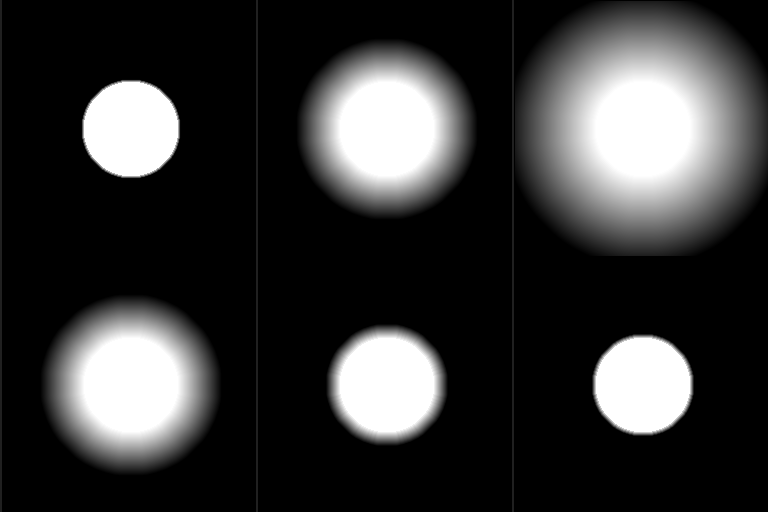
Finds the position of the nearest white pixel in a mask and outputs a gradient from that position, or the color at that position in a source image.
This node creates an outward linear fade (gradient) from any pixels in the input max over 0.5 grayscale value.
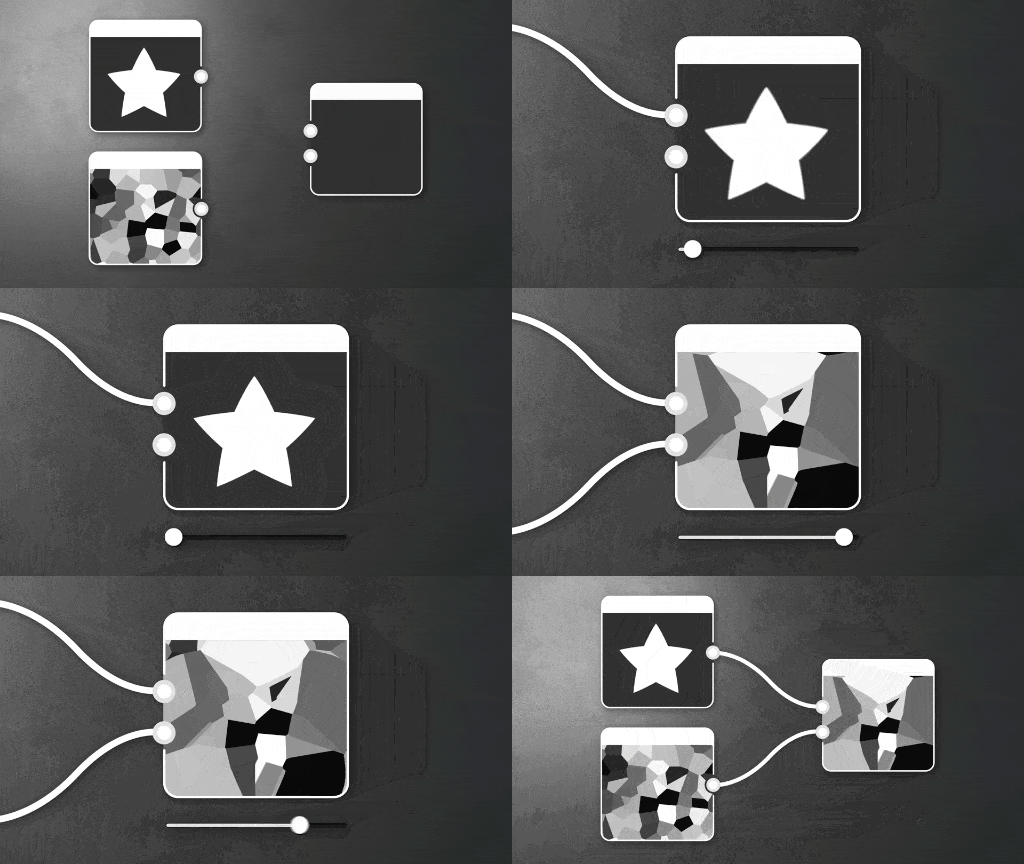
The expanding outward fade will terminate as soon as it meets another cell: they will never overlap. Internally this is actually calculating and displaying the distance to the nearest pixel > 0.5, with the distance node set as a clamp/maximum.
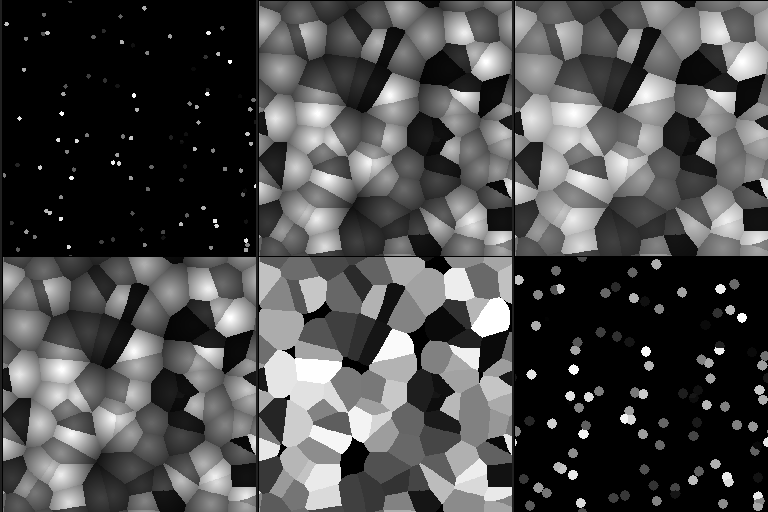
An optional source map allows for combining the cells with the texture from a secondary input map.
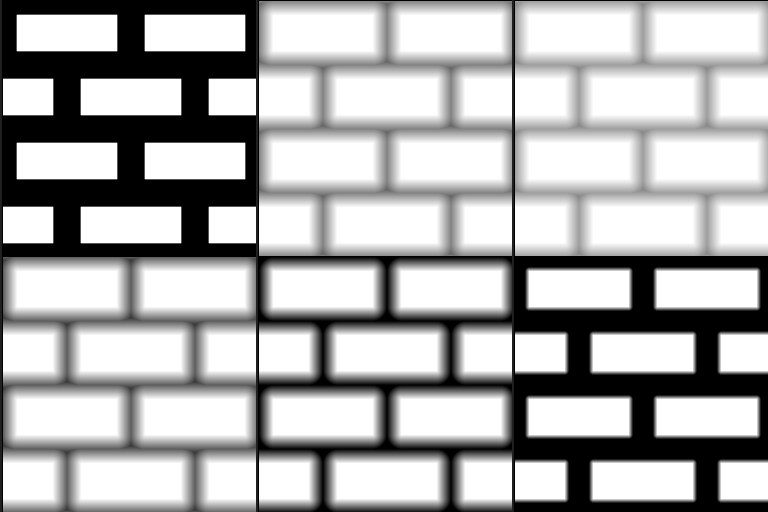
The distance node is not an easy node to master, but it’s main use cases are expanding existing masks in a reliable way (as compared to blurring and adjusting contrast), generating Voronoi-type noise cells, and beveling existing shapes with a sharp, linear profile (that can be remapped later.
See the below examples for more info.
Parameters
Determine how the optional 'Source input’is combined with the final cells.
- Combine: Combines the ‘Source input’ value with the fading linear mask. If the ‘Source input’ input is connected, its value is combined with computed distance.
- Only Source: Results in solid color only from the ‘Source input’.
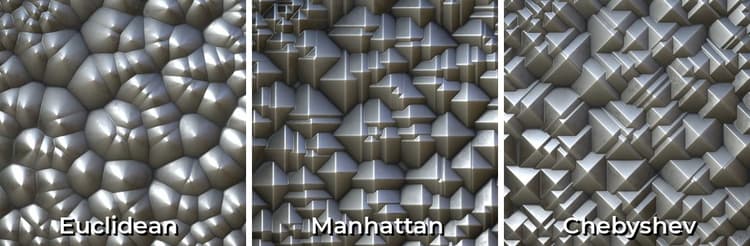
Selects the method computing the distance to the closest border in the extracted mask:
- Euclidean: Sum of squared X/Y differences.
- Manhattan: Sum of absolute values of X/Y differences.
- Chebyshev: Maximum of absolute values of X/Y differences.
Input connectors
Examples