Plane
In: SDF function > Primitive
Description
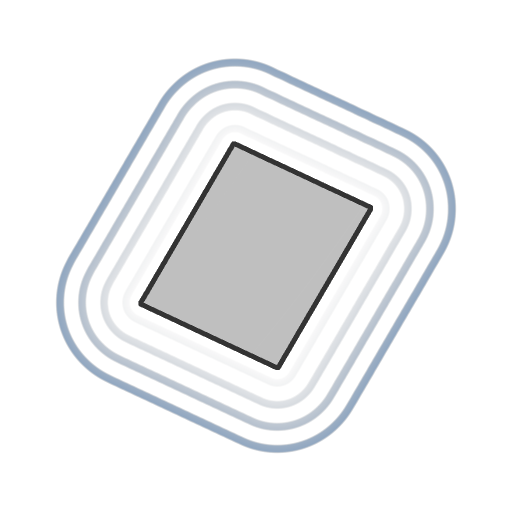
An SDF function for a plane of adjustable orientation, position and size.
INFO
To learn more about concepts and workflows involving SDF functions, go to the dedicated page: Working with SDF functions
Inputs
Normal Float3
The world space normal vector of the plane, which controls its orientation.
The vector is normalized.
Default: (0, 0, 1)
The vector is normalized.
Default: (0, 0, 1)
Size Float2
The size of the plane in X and Y.
Default: (1, 1)
Default: (1, 1)
Thickness Float
The thickness of the plane, applied in all directions.
The plane is rounded when thickness is increased.
Default: 0
The plane is rounded when thickness is increased.
Default: 0
Center position Float3
The world space position of the pivot of the plane.
Default: (0, 0, 0)
Default: (0, 0, 0)
P Float3
The transformed world space position. Use this input to apply additional transformations using the Offset P and Rotate P nodes.
Default: The untransformed world space position.
Default: The untransformed world space position.
recommendation-more-help
substance-3d-designer-help-guide