Capped cone 2 points
In: SDF function > Primitive
Description
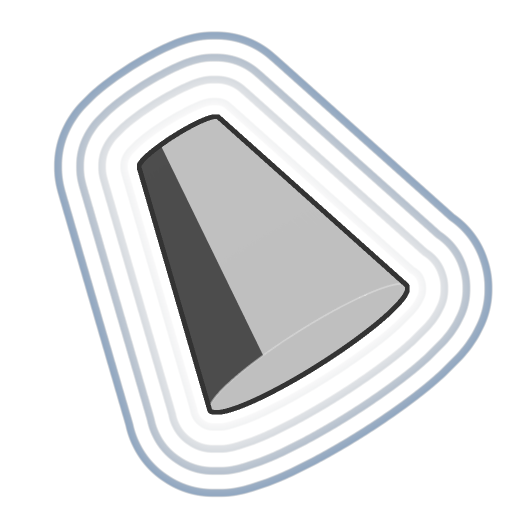
An SDF function for a capped cone defined by the positions of its base and top.
The base and top have adjustable radiuses.
INFO
To learn more about concepts and workflows involving SDF functions, go to the dedicated page: Working with SDF functions
Inputs
Position base Float3
The position of the capped cone’s base.
Default: (0, 0, 0)
Default: (0, 0, 0)
Position top Float3
The position of the capped cone’s top.
Default: (0, 0, 1)
Default: (0, 0, 1)
Radius base Float
The radius of the capped cone’s base.
Default: 0.5
Default: 0.5
Radius top Float
The radius of the capped cone’s top.
Default: 0.2
Default: 0.2
P Float3
The transformed world space position. Use this input to apply additional transformations using the Offset P and Rotate P nodes.
Default: The untransformed world space position.
Default: The untransformed world space position.
recommendation-more-help
substance-3d-designer-help-guide