Repeat mirror range
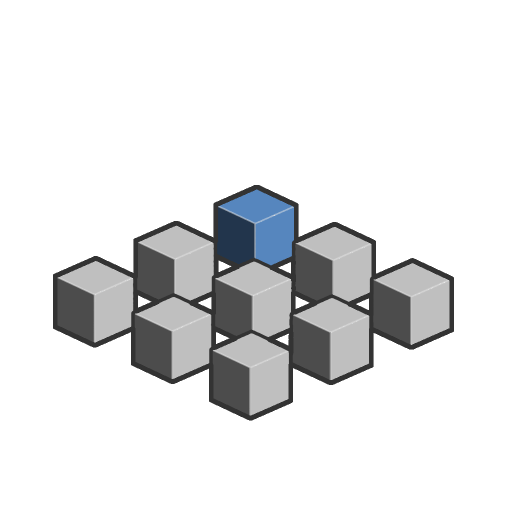
In: SDF function > Operator
Description
Mirrors and duplicates an SDF shape any number of times at a regular spacing in the X, Y and Z positive or negative axes.
Every time this operator repeats a shape, it also mirrors it. This visually results in an alternating between the original orientation of the shape and a flipped copy.
INFO
To learn more about concepts and workflows involving SDF functions, go to the dedicated page: Working with SDF functions
Inputs
SDF Float
The input SDF shape.
Amount + Integer3
The amount of duplications along the positive X, Y, Z axes.
Default: (2, 0, 0)
Default: (2, 0, 0)
Amount - Integer3
The amount of duplications along the negative X, Y, Z axes.
Default: (2, 0, 0)
Default: (2, 0, 0)
Spacing Float3
The world space between each duplicate.
The spacing is visualized by a cubic helper, which size is the space between duplicates in the X, Y and Z directions. The spacing starts at the Origin position and is increased symmetrically from it.
Default: (2, 2, 2)
The spacing is visualized by a cubic helper, which size is the space between duplicates in the X, Y and Z directions. The spacing starts at the Origin position and is increased symmetrically from it.
Default: (2, 2, 2)
Origin position Float3
Defines the center of the SDF shape that will be duplicated.
The origin position is visualized by the cubic helper’s center position.
Default: (0, 0, 0)
The origin position is visualized by the cubic helper’s center position.
Default: (0, 0, 0)
P Float3
The transformed world space position. Use this input to apply additional transformations using the Offset P and Rotate P nodes.
Default: The untransformed world space position.
Default: The untransformed world space position.
recommendation-more-help
substance-3d-designer-help-guide