Using the Set/Sequence nodes
This page describes the Set and Sequence nodes, and provides an example use case in the context of FX-Maps.
Overview
While working with functions in FX-Maps, you will occasionally be in situations where you want to output a value from a parameter’s Substance function graph, so you can use it into another. But by default a Substance function graph only outputs one value: the one which drives the related parameter.
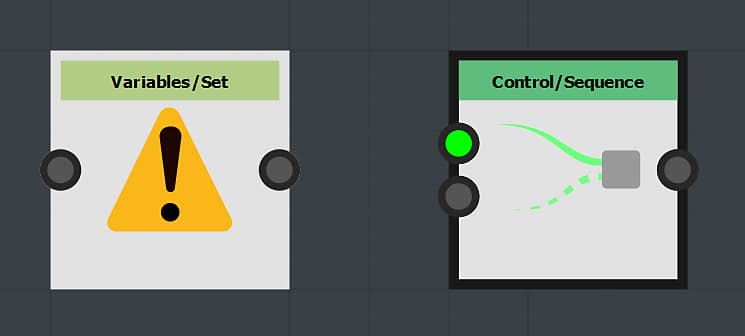
In this case, you may use the combination of Set and Sequence nodes, which will allow you to control variables across a single or multiple functions.
This process involves two steps:
- The Set node will let you create a new variable so you can call it somewhere else and assign a value to it.
- The Sequence node is used to execute the logic in step 1 in its entirety, before executing another branch of the graph – e.g. the logic actually involved in outputting the expected value for the current graph
The Set node
The Set node lets you set a new variable and assign it the type and value connected to the node’s input.
The name of the variable is input by the user in the node’s properties.
By default, the variable set by this node is only accessible within the scope of the parent of this Substance function graph – e.g. the node which hosts the parameter defined by the function.
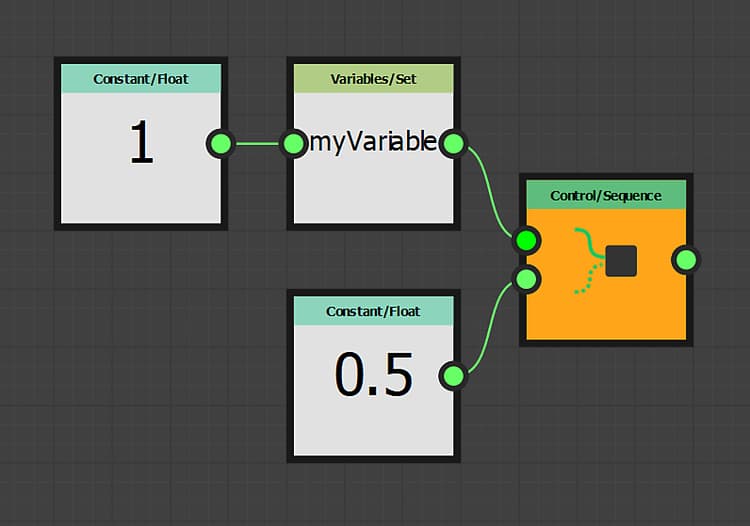
myVariable and its value is 1.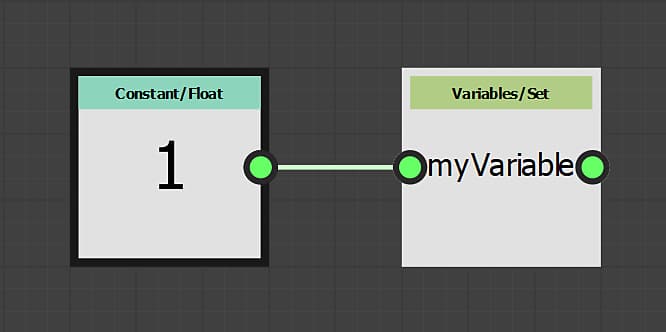
The Sequence node
The Sequence node gives you control over the execution flow of Substance function graphs, by making sure the first branch is fully executed before the second branch.
The output of the second branch is then passed to the node’s output.
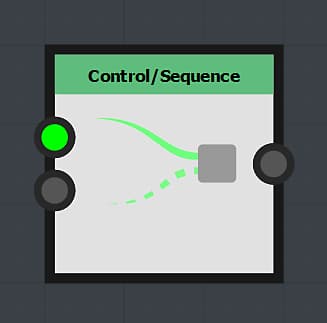
In this example, the Sequence node is set as the output of the graph. The output of the function is thus the 0.5 value output by the Float node.
However, before that happens the <b>myVariable</b> variable is set with a float value of 1.0. This variable may then be used elsewhere in the context of the node.
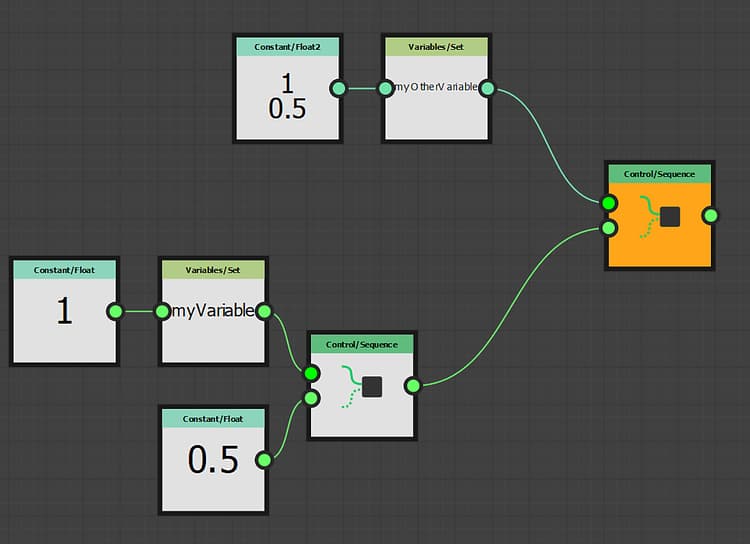
Sequence nodes can be chained to control the graph’s execution flow.
For instance, you may set a variable first, update its value at a later point then read its final value, while making sure these actions occur in a specific order.
Variable visibility
Be aware that a declared variable is not accessible from anywhere!
While a variable declared at a parent level can be accessible at child levels, the contrary is not true.
Thus, variables set in the node are not accessible at the graph level, while variables set at the graph’s level can be accessed in its node’s parameter functions.
For instance, this rule is at the core of exposing a parameter, for exposing actually involves these steps:
- Creating a graph input parameter
- Accessing it in the parameter’s Substance function graph
- Setting its value as the function’s output
Let us build a small example: imagine that we want a Quadrant node’s Rotation value to be influenced by the Color/Luminosity value: the brighter the luminosity, the more rotation.
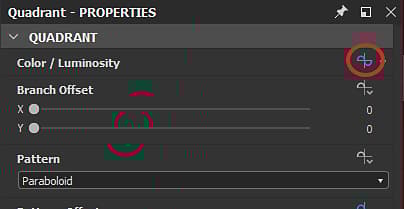
Our function is going to be simple: the luminosity will be a random value between 0 and 1, this value will be stored into the myRotation variable, then we set the value as the function’s output.
This means the Color/Luminosity parameter’s value will be random and be stored in the myRotation variable.
Note that the Position property is already defined by a random value, and an Iterate node is used to get multiple randomly placed patterns.
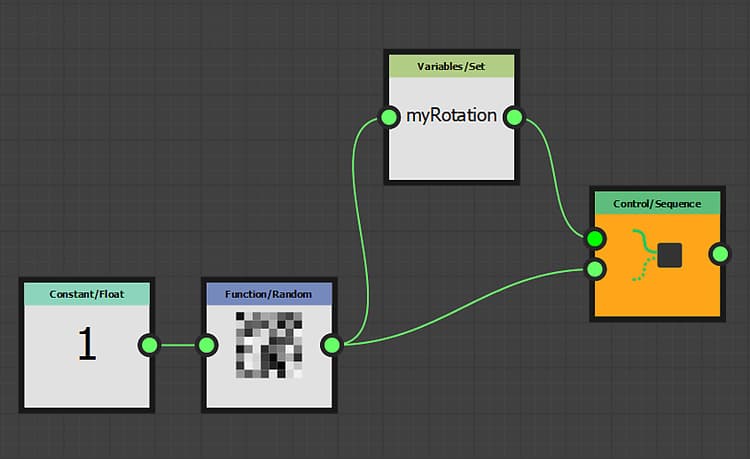
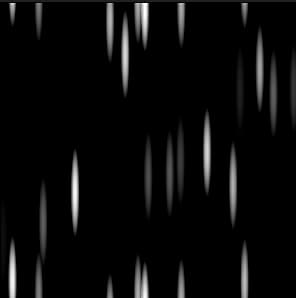
myRotation variable exists and has a value, let us access the Substance function graph of the Pattern Rotation property.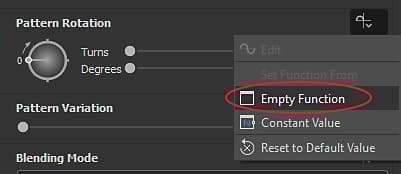
myRotation parameter using a Get Float node – we know the variable contains a float value – and set it as the function’s output.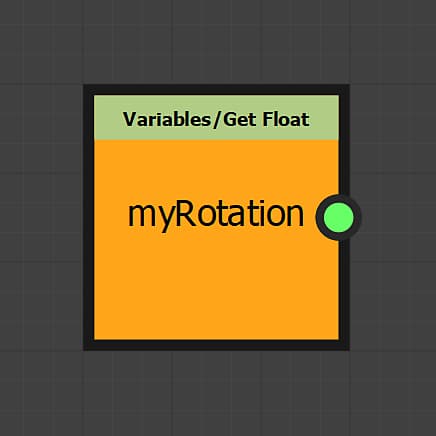
The luminosity now also controls the rotation.