Using the Sampler nodes
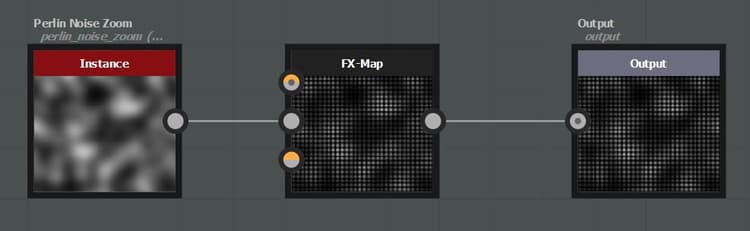
The sampler node can be used to sample pixel values in an image input plugged to the fx-map node. The sampled values can then be used to drive any parameters using functions.
Simple Example
In this example a chain of quadrant nodes have been created to generate a grid of pattern. A function is created in the Opacity/Luminance parameter of the last quadrant.
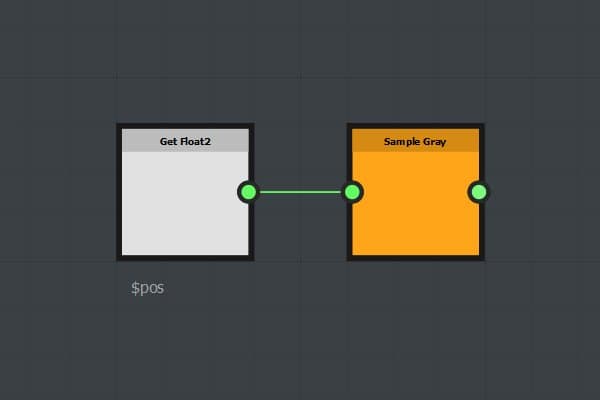
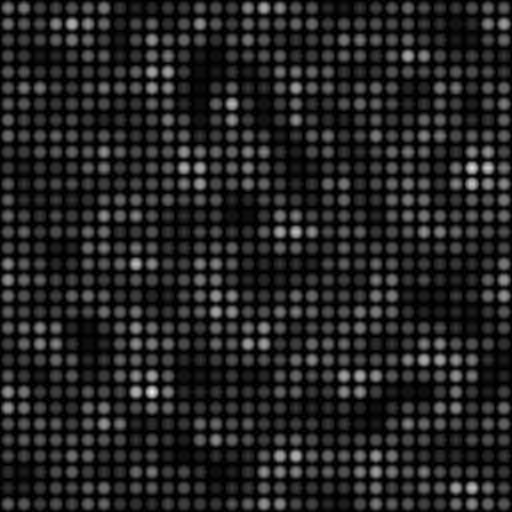
The Sample node takes a float2 input as the sampling coordinates (x, y). In this example we used the $pos variable: for each pattern, the pixel value is sampled at the pattern position in the first image input plugged to the FxMap node.
The Sample Gray node returns a float1 value in the 0, 1 range.
The Sample Color node returns a float4 (rgba) value in the 0, 1 range.
Advanced Example
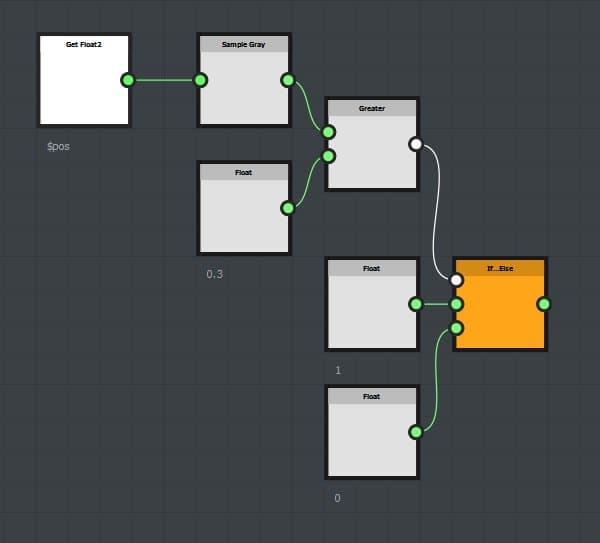
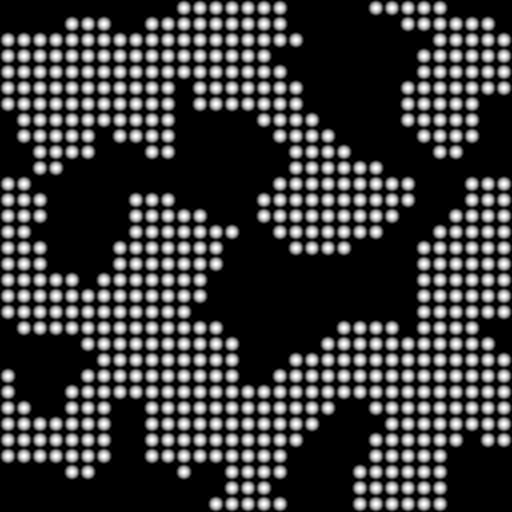
Here, we compare the sampled value to a constant (0.3). If the sampled value is greater than 0.3 the function returns 1, else, it returns 0.
Download sample
