Create and edit a function
Create a function
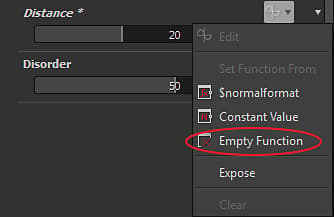
In order to create a function, you just need to click on the function icon

Edit a function
Once a function has been created, you can modify it by clicking the function icon again, or by choosing Edit in the drop down list.
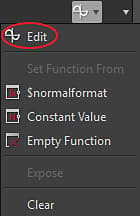
You will then enter in the function mode of the graph.
The function graph
The function graph works in the same way as other graphs types in Designer: with a node editor.
Create nodes
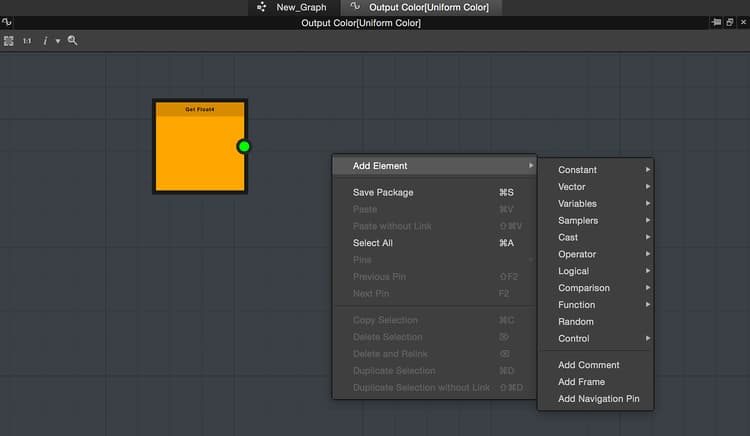
You can create nodes by right-clicking in the graph and choosing “Add element”, or by pressing space bar:
Set an output
Contrary to the Substance graph, the function does not have “Output” node, you have to specify which node in the graph is the function output.
You can set an output by right-clicking on a node and choosing “Set as output node”.
The node set as an output will become yellow.