Python Editor
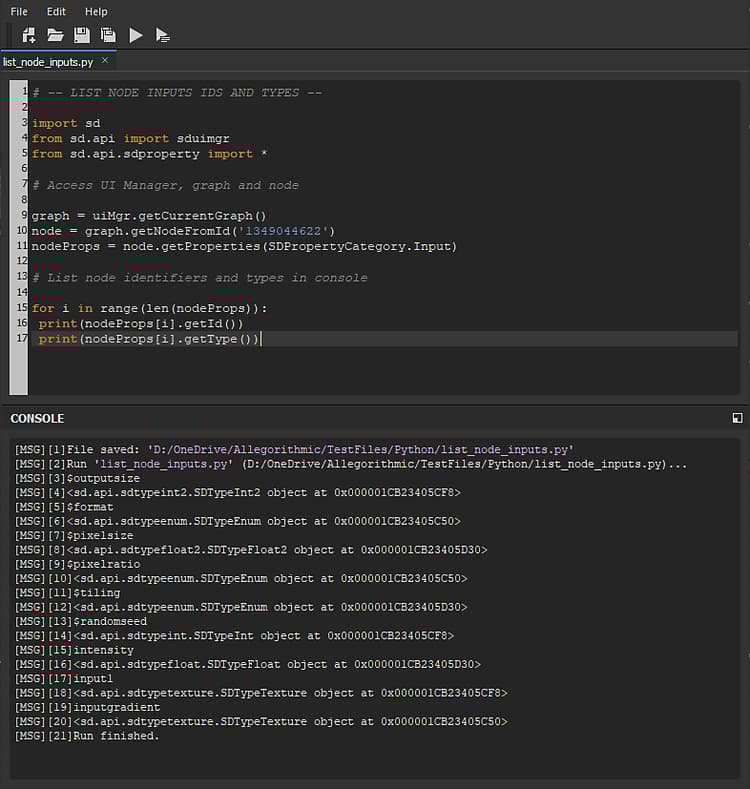
Substance 3D Designer includes a script editor, allowing users to test Python code directly within Designer and get its console output.
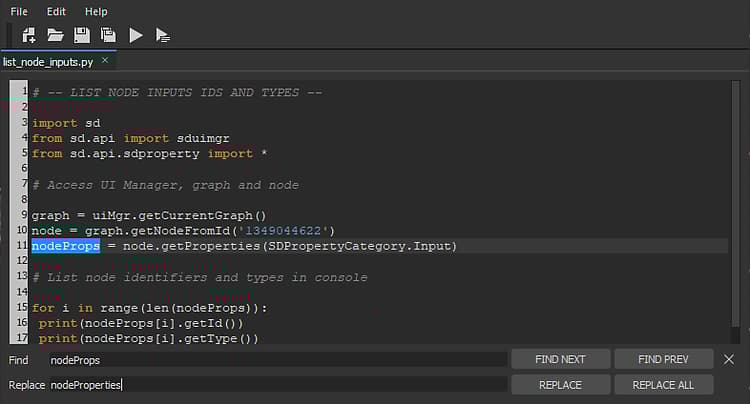
The editor features a ‘Find and Replace’ feature, accessible in the ‘Edit > Find…’ item in the editor menu bar, or by pressing Ctrl+F.
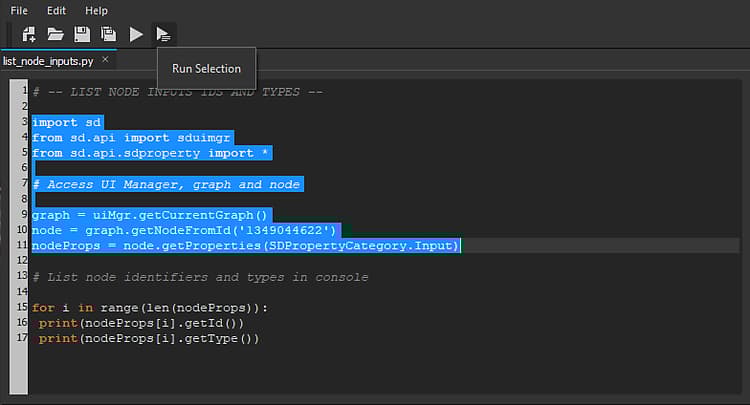
In the spirit of the testing purposes of the Python Editor, users can test either all the code by pressing the ‘Run’ button in the editor toolbar (or by pressing F5), or the current selection only by pressing the ‘Run Selection’ button (or by pressing ‘Ctrl+Enter’).