Plugin Manager
The Plugin manager dialog is accessible from the Tools menu in the main menu bar. It lets you see which plugins are active, as well as load and unload plugins.
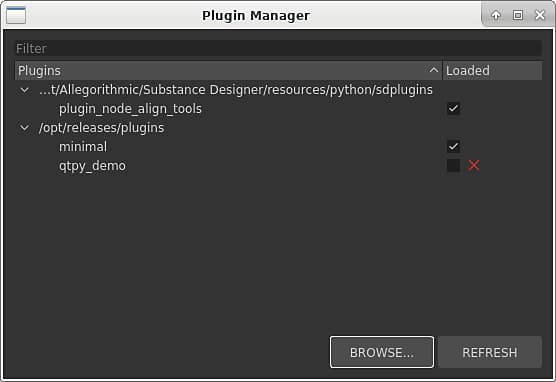
It is also possible to manually load plugins, by using the Browse button and choosing a Python file.
The Refresh button can be used to update the plugin list. This is useful when plugins are loaded using the Python API.
NOTE
If the plugin is a module (I.e., a directory), it can be loaded by choosing the __init__.py file inside the module.
recommendation-more-help
substance-3d-designer-help-guide