Advanced configuration settings advanced
This configuration section allows you to alter advanced settings. Adobe recommends leaving these options as-is for most implementations.
- Log in to experience.adobe.com using your Adobe ID credentials.
- Navigate to Data Collection > Tags.
- Select the desired tag property.
- Navigate to Extensions, then select Configure on the Adobe Experience Platform Web SDK card.
- Scroll down to the Advanced Settings section.
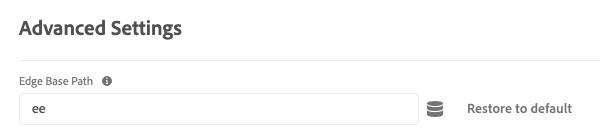
Currently, there is one option available.
Edge base path
Use this field to change the base path that is used to interact with the Edge Network. Adobe might request that you change this field if you participate in certain alpha or beta tests; otherwise, Adobe recommends leaving it at the default value of ee.
This field is the tag equivalent of edgeBasePath when configuring the JavaScript library.
recommendation-more-help
experience-platform-help-tags