Submitting a Support Case to Marketo Support
Description description

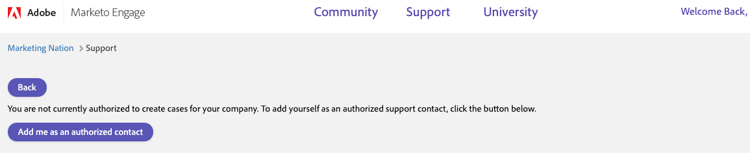
NOTE - Only authorized support contacts from your organization can submit support cases. To tell if you are an authorized support contact or not, access the CaseConnector and select Create Case. If you are not an authorized contact, you will receive the below screen. If there is available space you can select the green button and add yourself as a support contact.
-
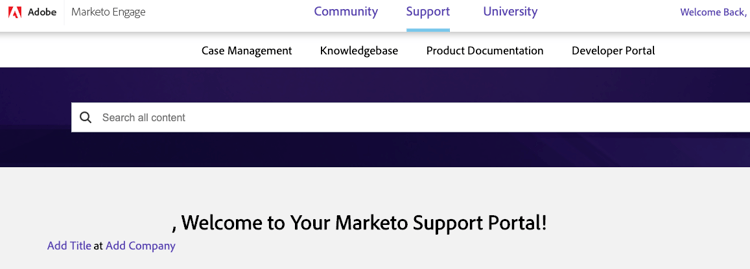
Go to Support.
-
Click My Case Management
-
Click on +Create A Case
-
Enter a Subject to see suggested articles on the problem.
- Select an article to open a new tab.
- Select the + if you would like to see the full subject of the article first. Enter a Subject to see suggested articles on the problem.
- Select an article to open a new tab.
- Select the + if you would like to see the full subject of the article first.
-
Didn’t find the help you needed? Enter your information into the required fields. Click Submit.
Resolution resolution
For technical assistance contact Marketo Engage Customer Support.