Creative Cloud for enterprise AI tutorials
Explore tutorials that can help you discover ideas, create content, and streamline creative workflows using AI in Creative Cloud. These tutorials are grouped by role: Graphic Designer, Creative/Art Director, Photoshop Artist/Retoucher, and Video Editor.
Graphic Designer
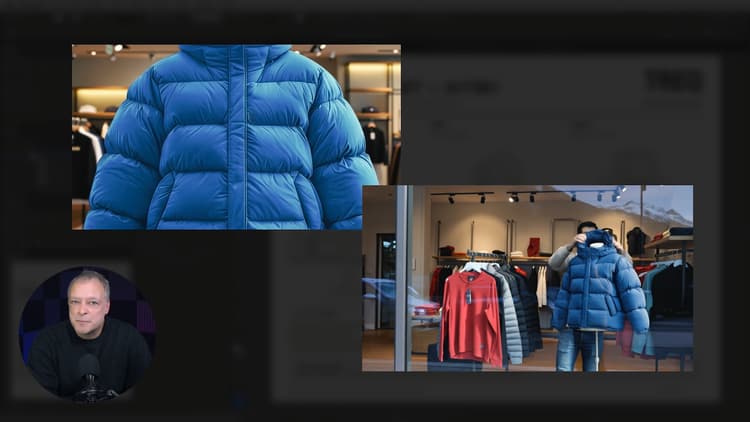
Turn flat vector art to any angle — without redrawing it
Learn how to use Text to Pattern in Illustrator
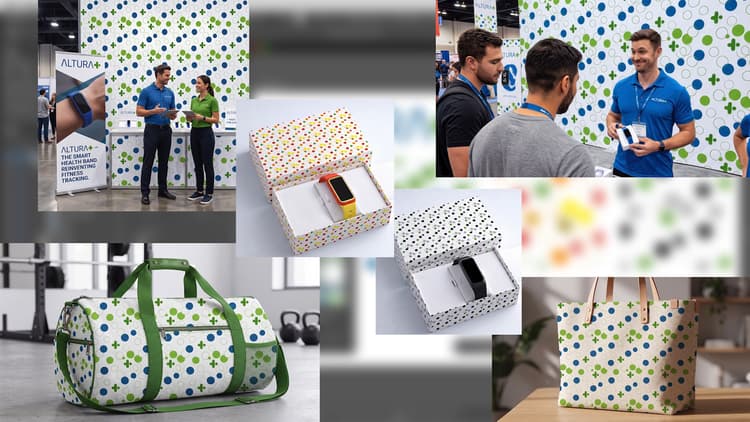
Seamless vector patterns in minutes, not hours
Learn how to build a seamless brand pattern in Illustrator without checking every repeat edge by hand
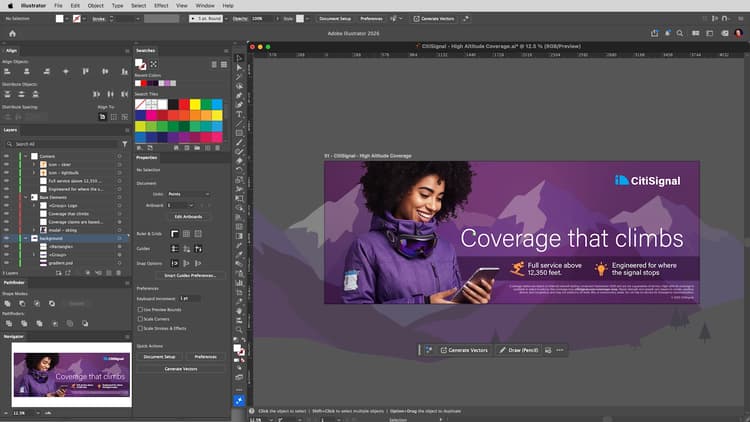
From sketch to clean, editable vector
Learn how to turn a rough sketch into editable vector artwork in Illustrator
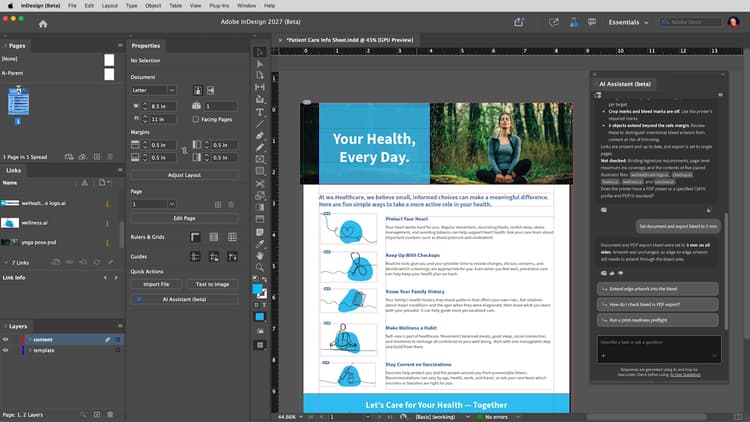
Move vector art into an InDesign layout and package it for handoff
Learn how to check a print layout by asking the AI Assistant in InDesign
Creative/Art Director
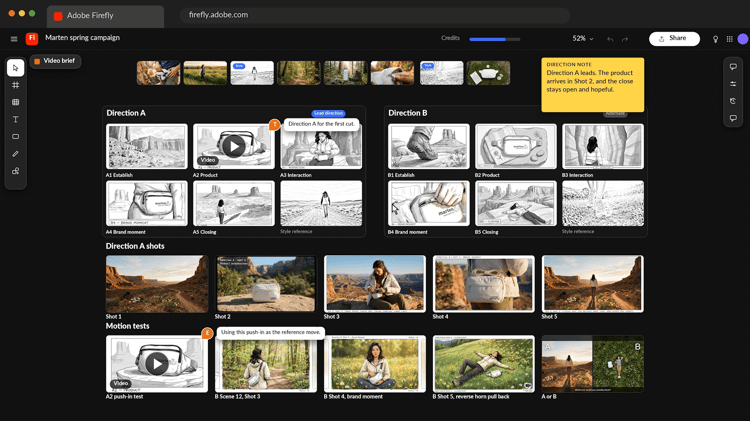
20 directions from one brief, before lunch
Learn how to turn a creative brief into a shared board of strong visual directions
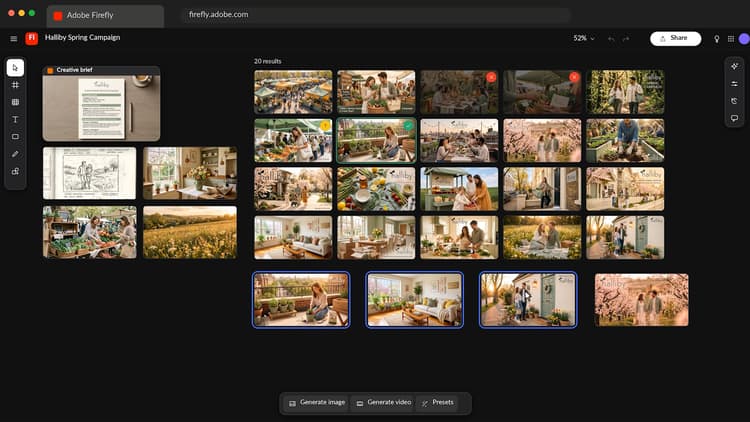
From brief to storyboard: Explore video directions before production
Learn how to turn a creative brief into a shared board of strong visual directions

Photoshop Artist/Retoucher

Retouch faster and keep your original pixels
Learn how to add natural shadows to a product photo in Photoshop while keeping your original pixels intact
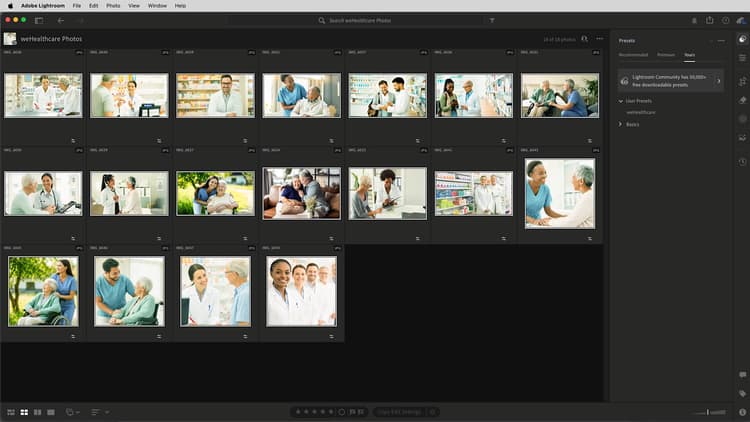
Build presets for consistent color across a shoot
Learn how to give a whole photoshoot a consistent look without editing each image one by one
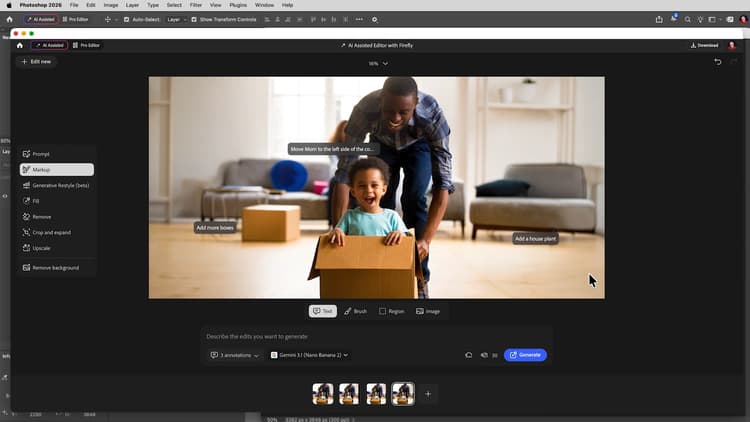
Clean up and adapt an image with generative tools
Learn how to use Generative Expand and Generative Fill extend to enhance your ideas
Video Editor
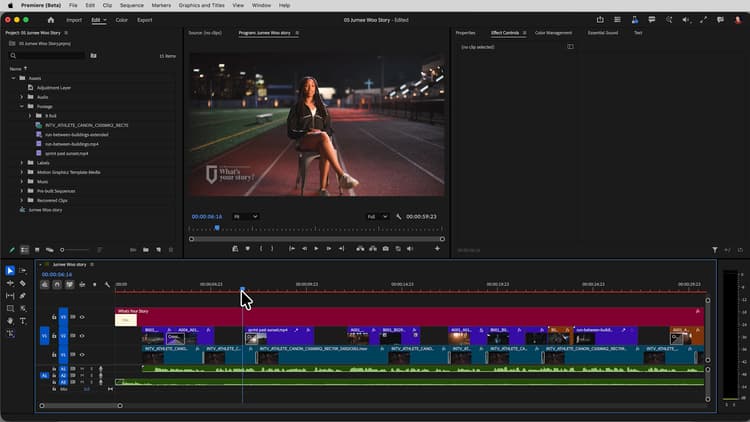
Fill gaps in your cut: B-roll, audio, and clips that end too soon
Learn how to use Generative Extend in Premiere
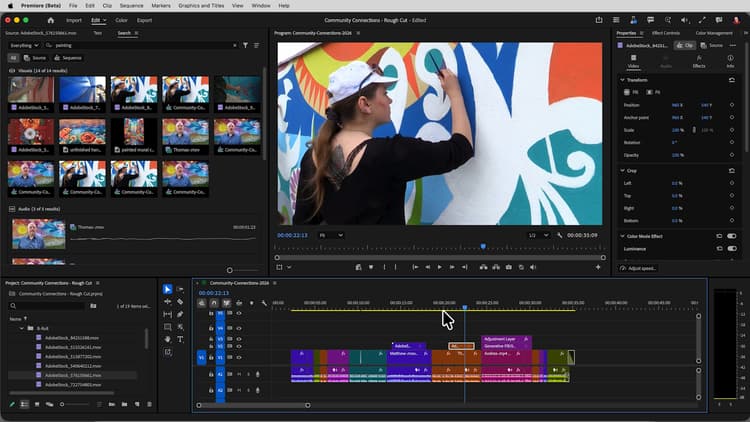
Learn how to build a rough cut from interviews and B-roll faster in Premiere, without scrubbing through every clip
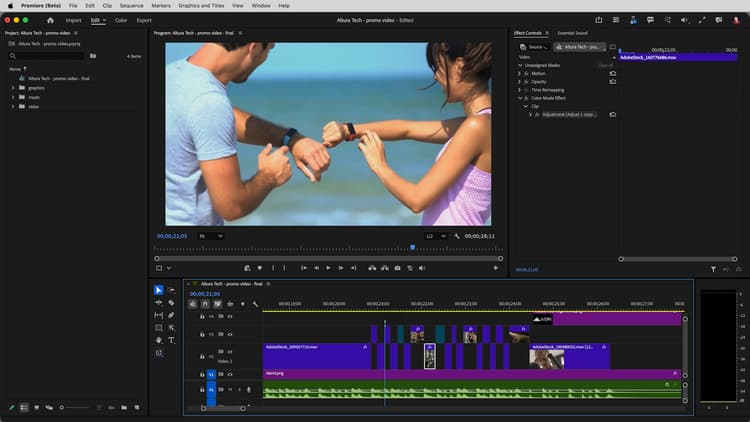
Match color across shots — no color wheels required
Learn how to make shots lit differently look like they belong in the same edit
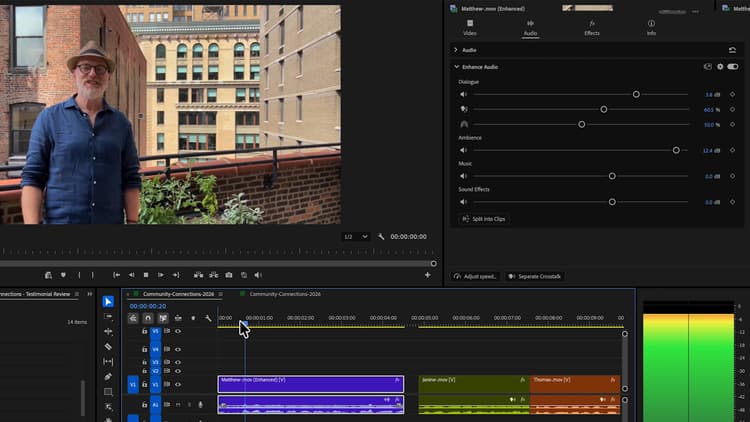
New in Adobe Premiere: Pull dialogue, ambience, and noise apart
Learn how to rescue dialog by pulling apart the audio