Payment Services Home
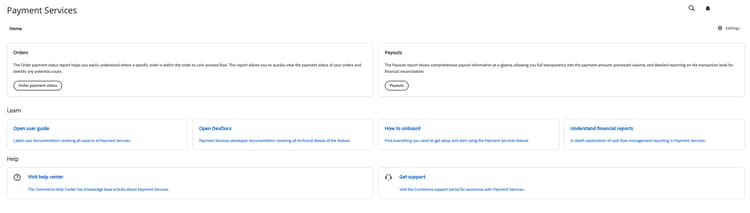
Payment Services for Adobe Commerce and Magento Open Source provides a Home view with the information you need to set up and use the extension. The options at the top of Home depend on your deployment: Adobe Commerce on cloud or on-premises (PaaS), or Adobe Commerce as a Cloud Service or Adobe Commerce Optimizer (SaaS).
On the Admin sidebar, go to Sales > Payment Services:
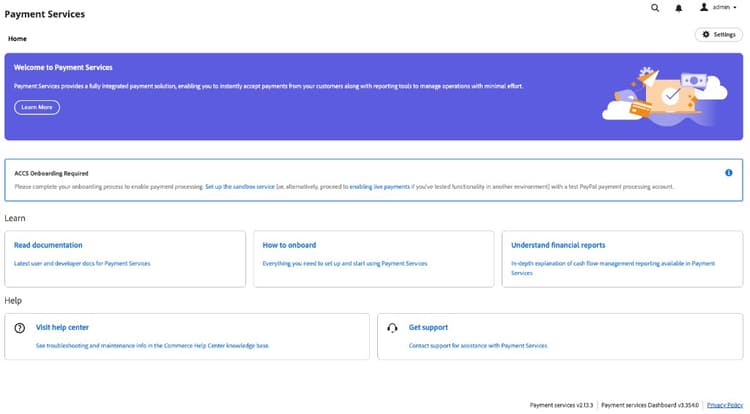
Until you complete onboarding, Home will show ACCS Onboarding Required. The notice links to set up the sandbox service (with a test PayPal processing account) or to enable live payments if you already tested in another environment:
After onboarding is complete (or on an already configured instance), Home shows Transactions with View Report for the tabular report, plus the Learn and Help areas:
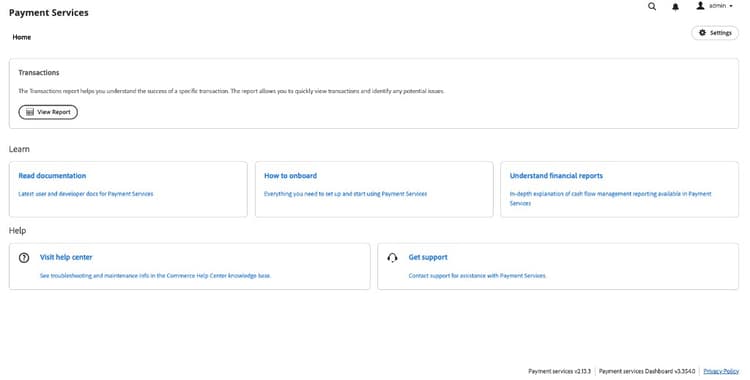
In this Home view, you can access Home, Learn about Payment Services, configure the extension Settings, or get Help. Use View Report (SaaS) or the Orders and Payouts entry points (Adobe Commerce on cloud and on-premises) to open reporting; see Reporting.
Home
Learn
Help
Settings
In the Home view, click Settings. See Payment Services configuration for more information.
The footer of the Payment Services area will show Payment services and Payment services Dashboard version labels—for example, when you gather details for support.