SQL code and JavaScript code sql-code-and-javascript-code
SQL code sql-code
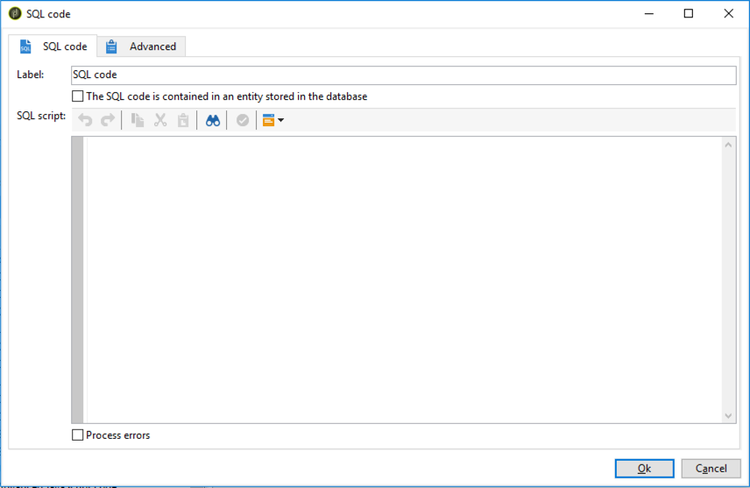
An SQL code activity executes an SQL script. The script is a JST template.
-
Script
The central area of the editor contains the script to be executed. This script is a JST template and can therefore be configured according to the workflow context.
-
Processing errors
Refer to Processing errors.
Important notes important-notes
From 8.9.1, the SQL code and SQL Data Management workflow activities have been improved to better protect PostgreSQL databases and keep your workflows running smoothly when custom SQL is executed from Campaign. Here are some best practices to follow in case of errors.
Options are available under Administration > Platform > Options. Two solutions are available in case of errors:
Solution 1
Set XtkSecurity_FeatureFlag_SqlSensitive to 0. The feature is deactivated.
Solution 2
Modify XtkSecurity_SqlSensitive_Methods. You can change <method name="TRUNCATE" action="block"/> to <method name="TRUNCATE" action="warn"/>
Other methods such as VACUUM FULL, REINDEX, CREATE INDEX, DROP INDEX are also blocked by default in order to protect the database integrity. Be cautious if you want to set them to warn instead of block. Those methods can have a severe impact on database performance when running.
JavaScript code and Advanced JavaScript code javascript-code
JavaScript code and Advanced JavaScript code activities execute a JavaScript script in the context of a workflow. For more on scripting, refer to these sections:
Execution delay exec-delay
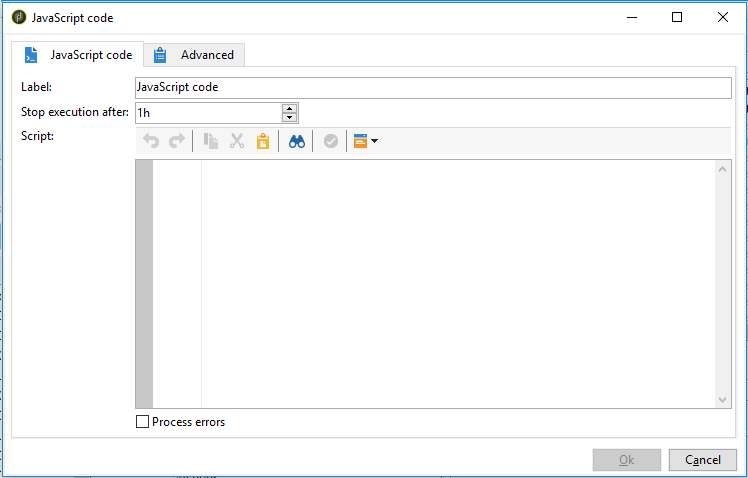
Starting 20.2 release, an execution delay has been added to the JavaScript code and Advanced JavaScript code activities. By default, the execution phase cannot exceed 1 hour. After this delay, the process will be aborted with an error message and the activity execution will fail.
You can change this delay in the Stop execution after field available in these activities.
To ignore this limit, you need to set the value to 0.
JavaScript code js-code-desc
-
Script: The central area of the editor contains the script to be executed.
-
Process errors: Refer to Processing errors.
Advanced JavaScript code adv-js-code-desc
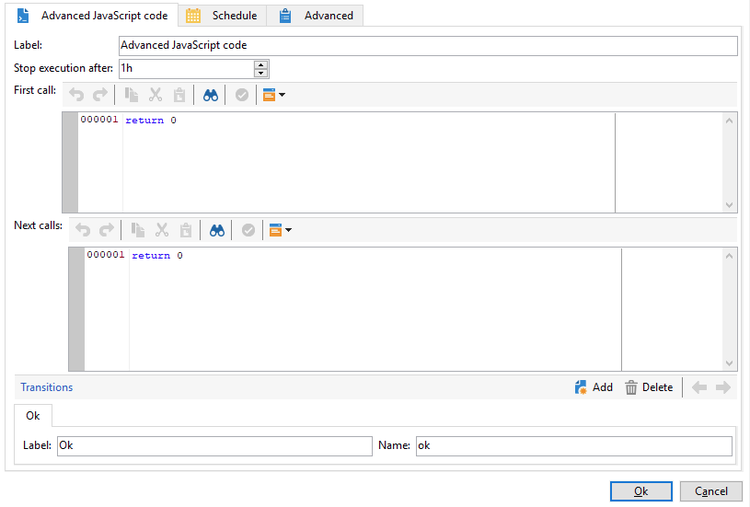
- First call: The first zone of the editor contains the script to execute during the first call.
- Next calls: The second zone of the editor contains the script to execute during the next calls.
- Transitions: You can define several activity output transitions.
- Schedule: The Schedule tab lets you schedule when to trigger the activity.
Advanced JavaScript is a persistent task and is periodically recalled if it has not been marked as completed. To terminate the task and prevent future recalls, you must use the task.setCompleted() method in the Next calls section:
task.postEvent(task.transitionByName("ok")); // to transition to Ok branch
task.setCompleted();

return 0;