Login & browse
Login via UI
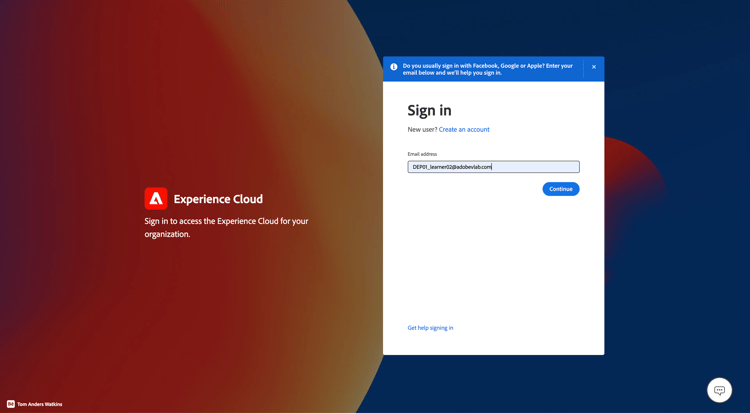
- Navigate to https://experience.adobe.com in your browser.
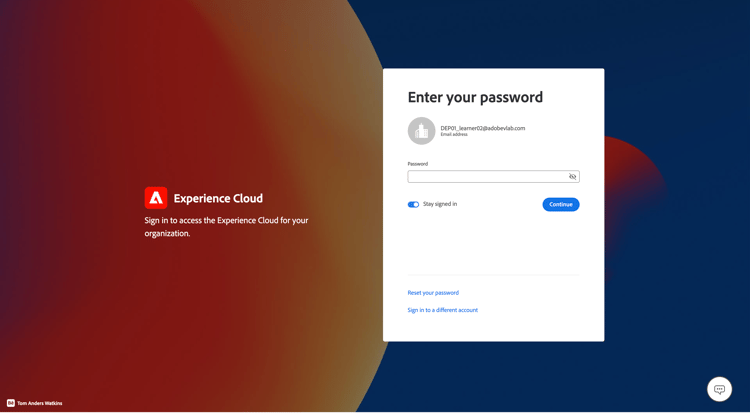
- Log in using the Adobe ID that has developer access to your sandbox — the same one you used to complete Developer Console Setup.
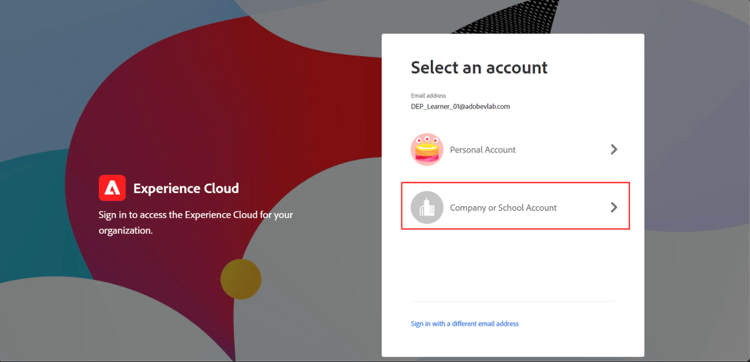
- On the Select an account screen choose the Company or School Account.
Launch Experience Platform
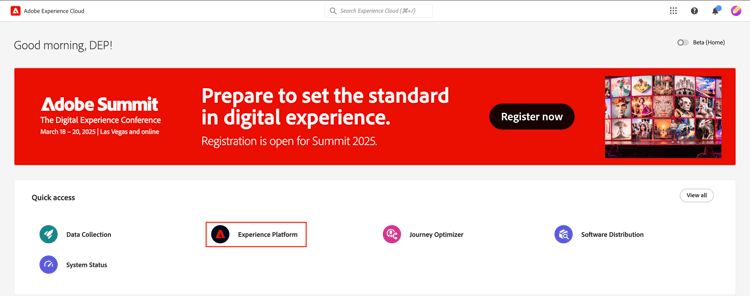
Click on the Experience Platform icon from the quick access panel to access your bootcamp sandbox
NOTE
You may not see this screen and be launched directly into the Experience Platform. If so skip this step.
recommendation-more-help
blueprints-learn-help-blueprints