Create a campaign
Objective
In the next set of steps you will start with creating an Orchestrated Campaign.
Create campaign
-
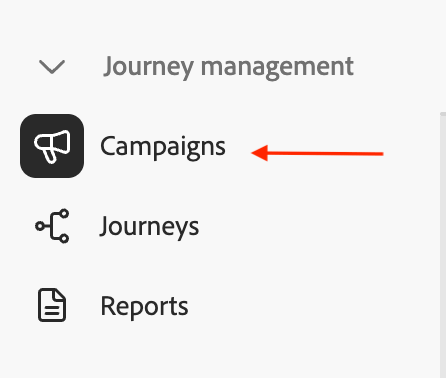
In the left side rail, click on Campaigns
-
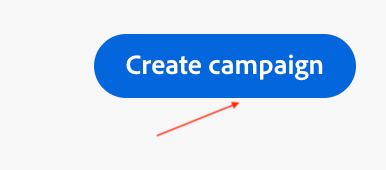
Click on Create campaign
-
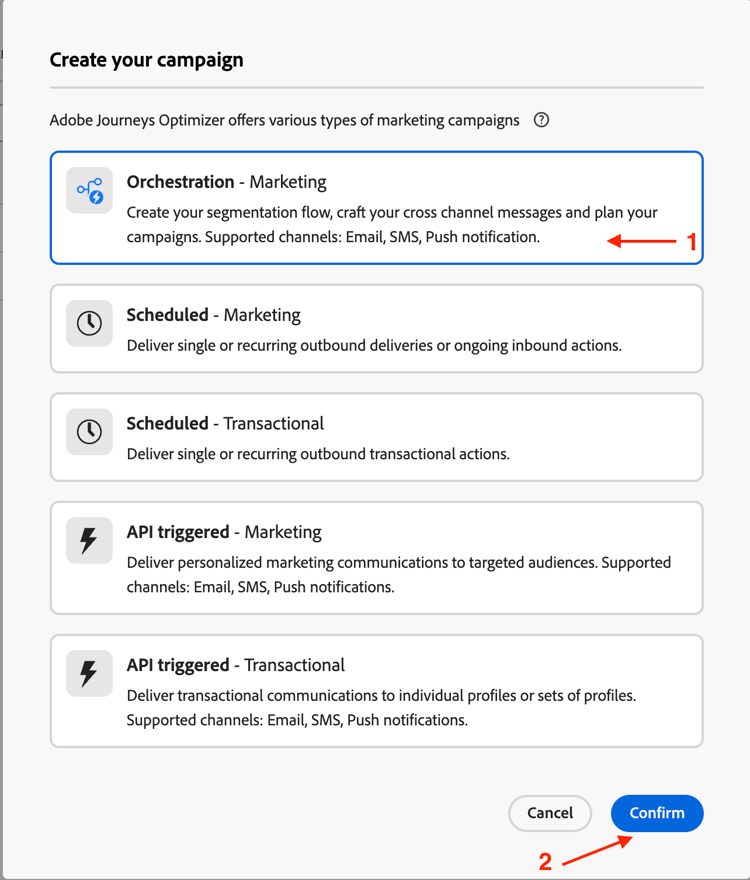
Select Orchestration - Marketing and click on Confirm
-
Provide Campaign details below and then click the Save button when done
- Name:
OC-MDL-Campaign-Test - Description:
OC Message Delivery Test
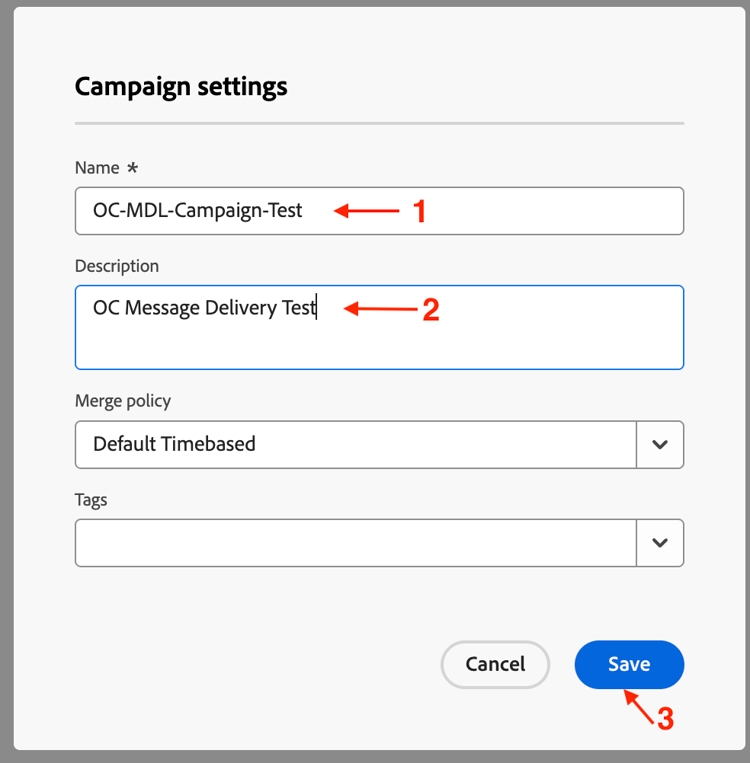
- Name:
-
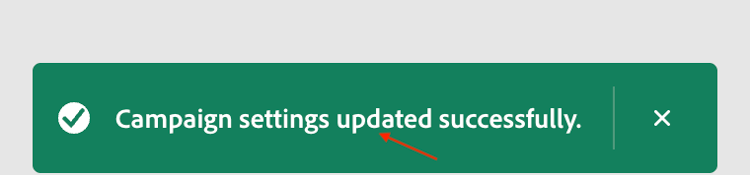
Wait for the confirmation message before proceeding
Recap
You created an Orchestrated Campaign with all the basic settings configured which will be used in the next set of steps.