Run Dataflow
If everything looks good go ahead and click the Finish button in the upper right to execute the data load.
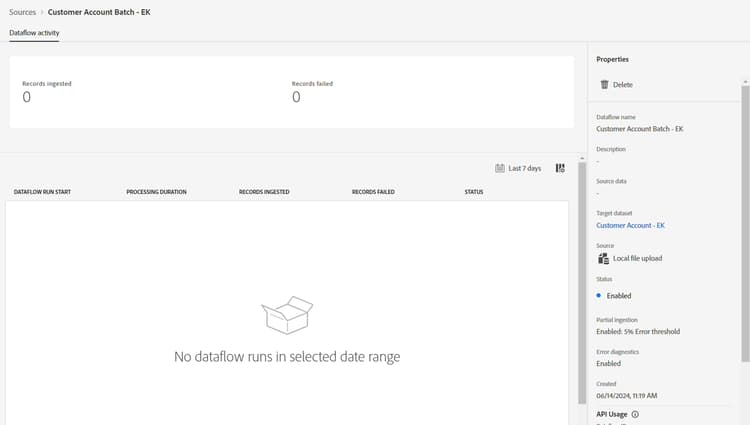
After you click Finish, you are brought back to the Dataflows screen. It should take a few minutes to create the Dataflow. The first run should kick in a couple of minutes.
NOTE
You need to refresh the page continuously to see the status update as the backend does not push updates out to the UI.
NOTE
If you turned on all the alerts you receive an alert in your browser in the upper right corner of your browser when the flow starts running and successfully completes or fails
recommendation-more-help
blueprints-learn-help-blueprints