Manual allocation A/B test
After completing this module, you should know:
-
What Target is and how it works.
-
The three-step workflow to configure activities.
-
How to create an A/B test.
-
How to create testable variations of pages and elements of your website.
-
How to perform quality assurance on activities.
Sign in to Adobe Experience Cloud and access Target
In this demonstration, your instructor will sign in to Adobe Experience Cloud and Access Target.
Now that you have learned about signing in and accessing Target, let's learn about configuring a manual A/B test.
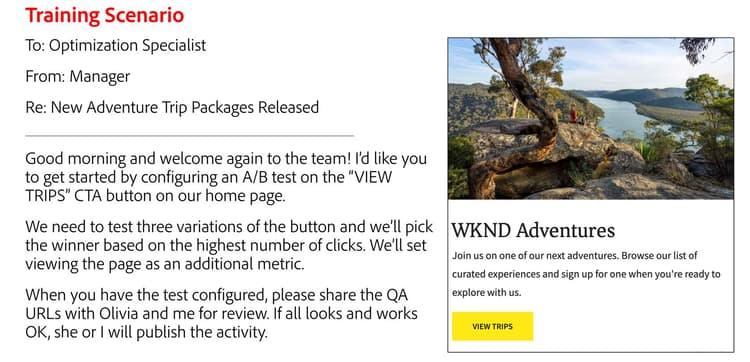
Create a manual A/B test with three test experiences
In this activity, your instructor shows you how to create a manual A/B test with three test experiences.
Now that you have learned how to create a manual A/B test, let's learn how to select the audience and allocation method.
Verify the audience and the allocation method
In this activity, your instructor shows you how to verify the audience and the allocation method.
Now that you have learned how to verify the audience and the allocation method, let's learn about the Goals & Settings page and how Target counts.
Finalize the activity
In this activity, your instructor shows you how to finalize the activity.
In the next lesson, you will learn how to preview the activity before activation.