Course introduction
After completing this course, you should be able to:
-
Navigate through the asset interface.
-
Organize and manage assets.
-
Manage asset metadata.
-
Search for assets.
-
Manage business processes.
-
Work with Dynamic Media.
-
Distribute assets using Brand Portal.
Logging in to your AEM cloud service test instance
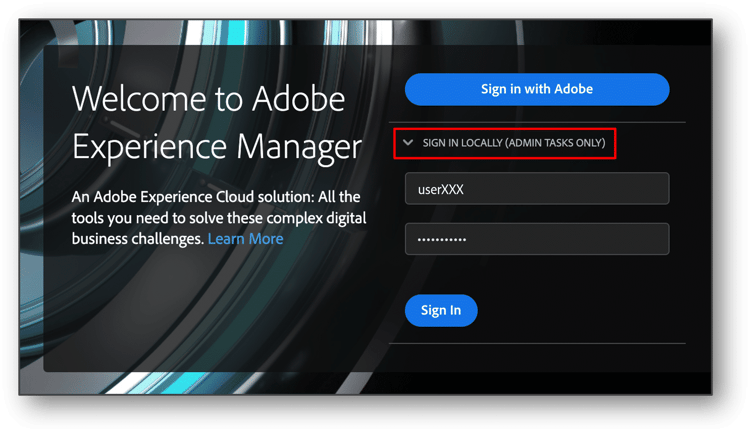
You will see two options presented to users on the AEM Cloud Service login screen:
-
Sign in Locally (Admin tasks only) button.
-
Sign in with Adobe button. This button authenticates the user with their Adobe ID using Single Sign On (SSO).
Now that you know what's coming up, let's proceed to quiz and next module.