Experience Platform dashboards and query service
Dashboards provide out-of-the-box reporting on your organization’s data and are built directly into the marketer workflow within Platform. You can access the dashboards by navigating to the appropriate section within the UI for the dashboard you would like to view.
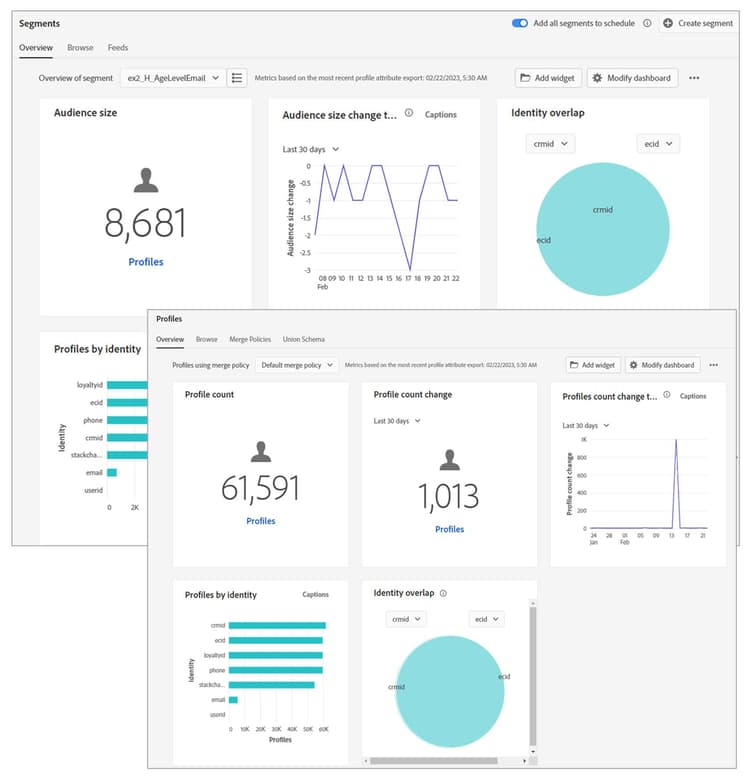
Dashboards are provided to:
- Gain insights into the customer data.
- Customize visualization of customer data insights.
- Build and manage custom dashboards where you can create, add, and edit widgets to visualize key metrics relevant to your organization.
- If you are creating custom dashboards, then you can go to Dashboards in the Experience Platform user interface (UI) and select the Browse tab to access the dashboard inventory.
Query service enables you to:
- Use standard Structured Query Language (SQL) to query data.
- Join any datasets in data lake.
- Capture query results as new datasets.
- Connect and analyze customer journeys across channels.
- View previously executed queries.
- Access queries saved within your Integrated Management System (IMS) Organization.
- Test the queries before executing them on a wider dataset.
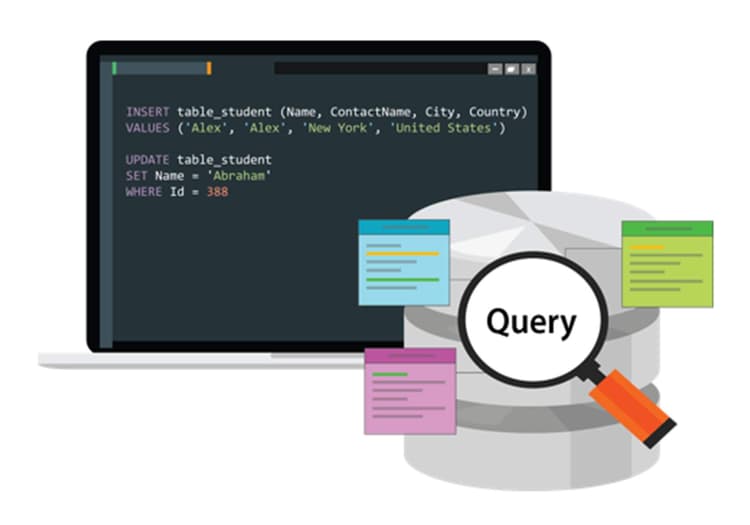
Create queries for specific XDM values
In these videos, you will learn how to use queries to retrieve information from the Experience Data Model (XDM) dataset. Every dataset in Experience Platform has a corresponding table that can be referenced by Query service. You can find the table for a dataset on the Datasets page.
After the quiz, you'll learn about managing Real-Time Customer Profiles and audiences in Experience Platform.