Enable contextual search
In this step, you will learn how to use Contextual Search in Experience Manager Assets to efficiently find assets using natural language queries. Discover how this innovative feature simplifies asset discovery by automatically applying relevant filters based on your search intent. By the end of this step, you'll be able to effortlessly locate assets with precision and ease.
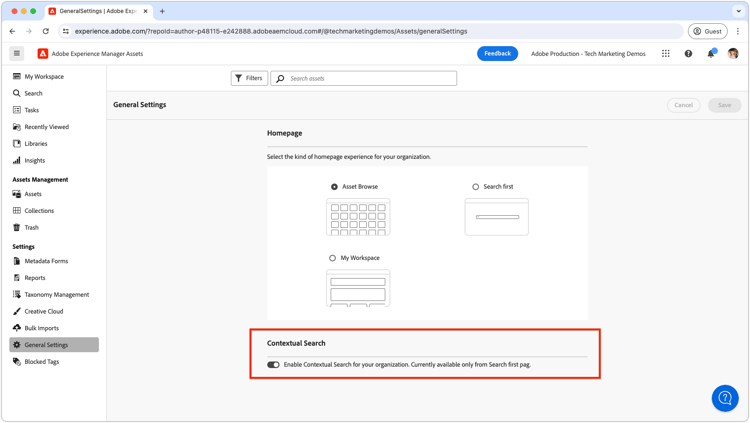
To enable or disable contextual search for all users, AEM administrators can do so by navigating to the General Settings and toggling the Contextual Search switch to the desired setting.
By default, contextual search is enabled for all users.
Next, you will explore how to use cascading metadata in Experience Manager Assets to enhance metadata management and create contextual relationships between fields.