Dynamic content and segmentations
For marketing campaigns to succeed, they need to be relevant to your audience. You can write multiple emails that specifically target each subset of your audience, but that can be difficult to create and maintain with limited resources. Marketo Engage uses dynamic content to automatically change the content of an email or landing page based on known or inferred information about the recipient or visitor.
Dynamic content
Dynamic content is digital content that changes based on user data.
In Marketo Engage, you can make emails and landing pages dynamic, so they change depending on who is viewing the content.
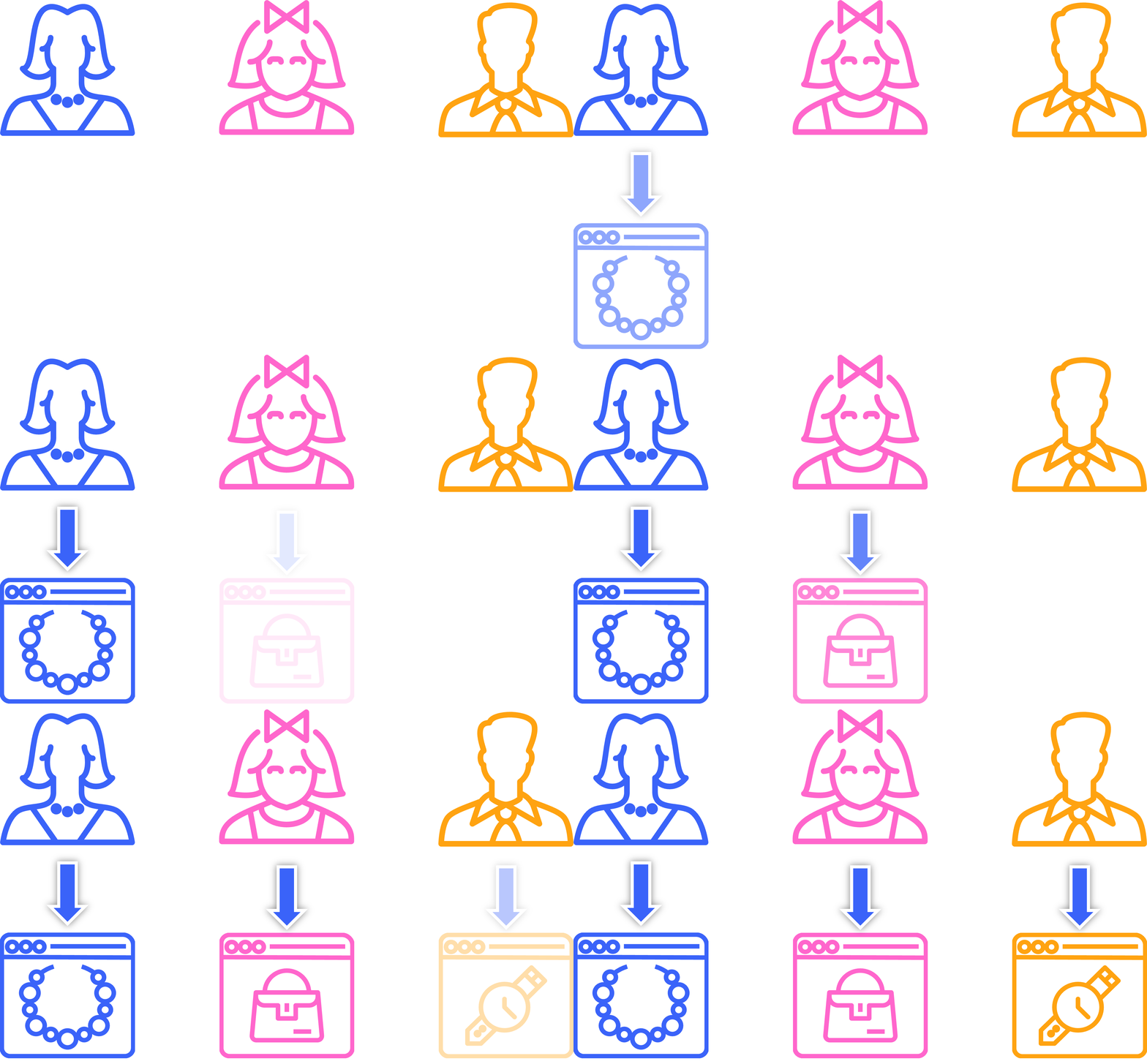
Segmentation
The process of categorizing your database into subgroups is called segmentation. When you create a segment, you tell Marketo Engage who should view which version of the dynamic content you create. Segments are defined by Smart Lists.
To make an asset dynamic takes six steps.
- Create your segmentation in the database.
- Define each segment using a smart list rule.
- Approve your segmentation.
- Create the asset and convert elements from static to dynamic.
- Update content for each segment.
- Review and approve the asset.
Segmentations are dynamic, meaning they keep themselves up to date in real time. When a new person enters the database, they are added to the appropriate segment based on the information we have about them.
Segmentations are global, so you can reuse them for multiple programs. All segmentations are set up in the database, ready to be used at any time.
How you create segmentations depends on your marketing strategy.
If your company is international, you might create a geographic segmentation, with news for specific regions or countries in the relevant languages.
You might want to announce a new product, like you did in the last activity, and make one offer to current customers and a different offer to prospects. In this case, you would create a segmentation based on person status.
Default segment
All segmentations automatically include a default segment – this is where all other people in your database will go if they do not qualify for other segments as you have defined them. Default segment content is usually generic, non-specific content.
Demonstration: create a segmentation
Learn how to create a segmentation called industry with finance and healthcare segments.
In the next step, you will create dynamic content for an Email Program.