Organize your Marketo instance
One goal of this course is to ensure you know how to build your initiatives following Marketo Engage best practices. A new Marketo Engage instance is a blank slate, so you will need to build a logical folder structure to organize the instance.
If your organization has already established their best practices for folders and naming conventions, you should review those with your team lead or manager before working in your company’s Marketo Engage instance.
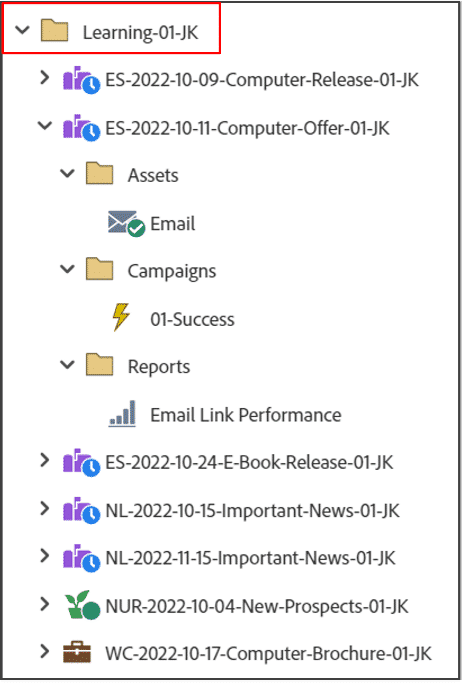
Campaign folders in the navigation tree help you keep a tidy instance and organize your marketing initiatives.
Campaign folders could be organized based on region, industry, product line, or any other way your company is structured.
Additionally, initiatives inside a campaign folder may inherit any personalization settings that you create at the folder level. In this example, there is campaign folder called “Learning-01-JK” with many initiatives inside.
Why naming conventions are important
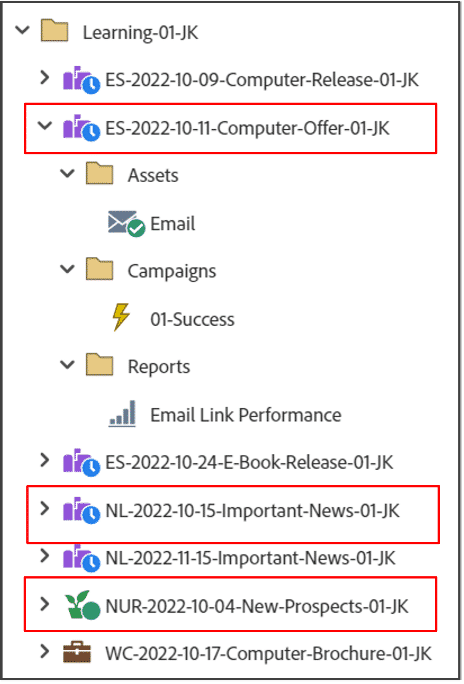
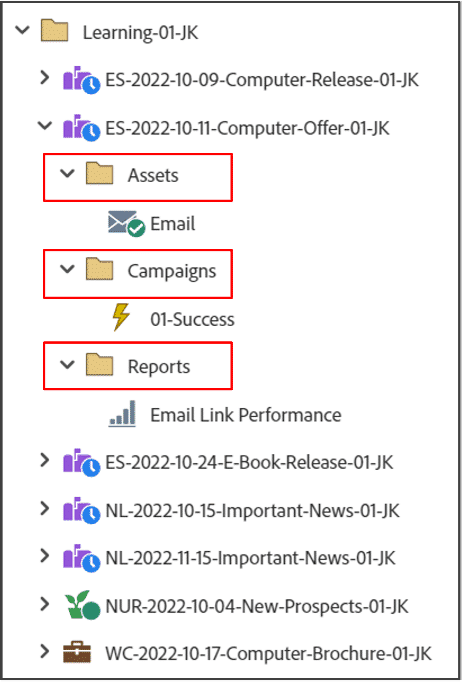
Marketo's features all use a common language to communicate. Many components in Marketo Engage must have unique names, such as the ones you will use in this course:
-
Programs
-
Campaign folders
-
Imported files (such as images and PDFs)
-
Lists
Program naming conventions are especially important because they ensure your team’s instance is scalable and organized. Take some time at the beginning of your Marketo journey to understand, or even help your team develop, naming conventions that make sense for your organization. The names of folders, programs, and other elements affect your ability to locate items in Marketo.
When creating a naming convention, consider the following:
-
Marketo sorts programs alphanumerically within campaign folders.
-
You can search for programs in menus using components of the naming convention.
-
Include the channel (such as an abbreviation for “email” or “event”) in the name itself.
-
Include the launch or “go-live” date of the program in the name itself.
Naming convention used in this course
Because Marketo requires unique names for programs, this course uses the following naming convention:
[Abbreviation of Channel]-[YYYY]-[MM]-[DD]-[Description]-[Your Initials]
Below are some examples of program names based on this convention. Although the name itself may initially appear confusing, the naming convention makes it easy to discern the essential information about these programs.
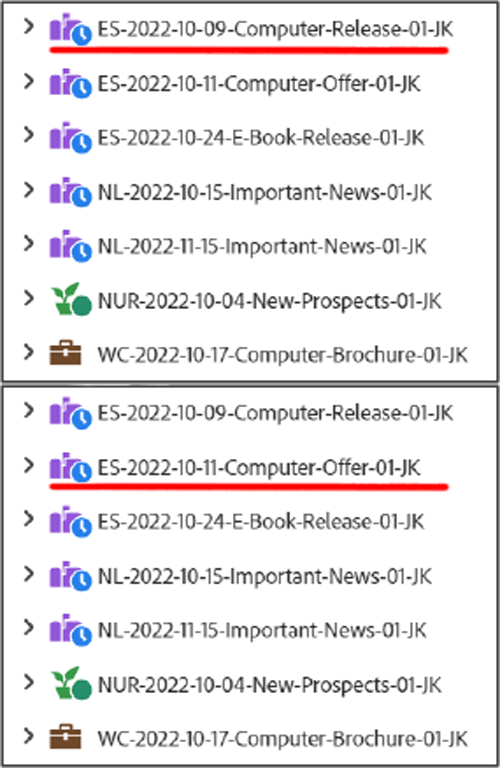
The first program name refers to an email send that was deployed October 9, 2022, promoting a product launch for a new computer.
The second program name refers to a web content program that went live October 11, 2022, encouraging people to fill out a form to download a white paper about the changing technology landscape.
As you build more programs in your Marketo Engage instance, you will quickly appreciate the need for consistent naming conventions.
Best Practice: how to organize your programs
If your team has not yet created a naming convention for your Marketo instance, review the best practices in the Marketo Documentation.
In the next step, you'll learn the difference between local and global assets in Marketo Engage.