Email A/B testing
An A/B test is a single-variable, randomized experiment with two variants: A and B. Its purpose is to identify which variant is more effective in changing a user’s behavior.
You can A/B test emails and landing pages with Marketo Engage. The process is the same regardless of the asset.
Click each step to learn more.
Step 1: test settings
Set up an A/B email test in Marketo Engage
In this lesson, you’ll learn how to set up an A/B test in an email using the email program A/B testing editor.
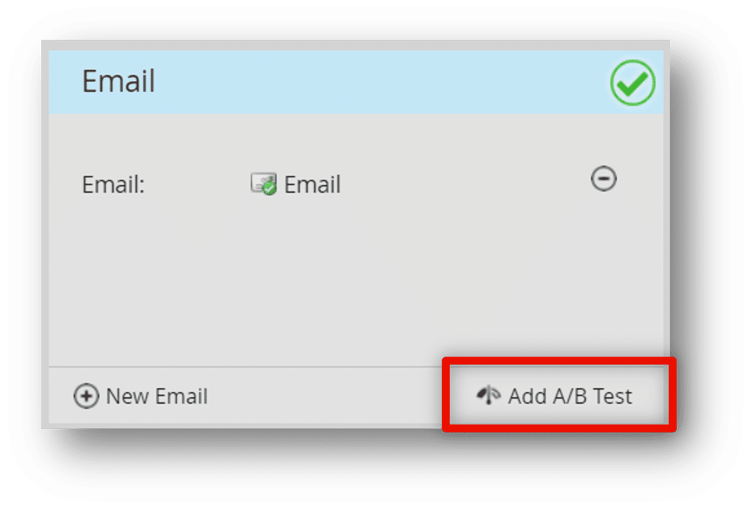
Test settings
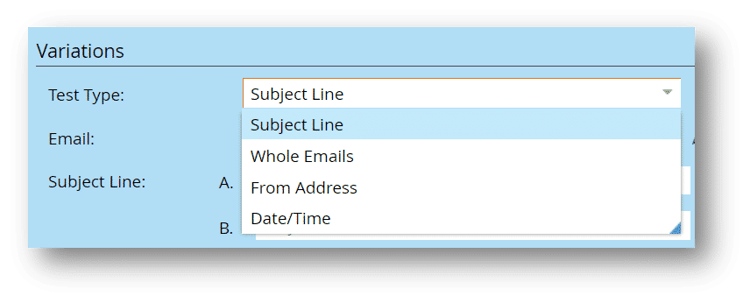
For any email A/B test, there are four test types to choose from:
-
Subject Line: test two or more subject lines against each other.
-
Whole Email: a design test allowing you to test imagery or copy placement variations.
-
From Address: test variations of the From Name and Email Address of your email.
-
Date/Time: test dates and deployment times against each other.
Winner criteria
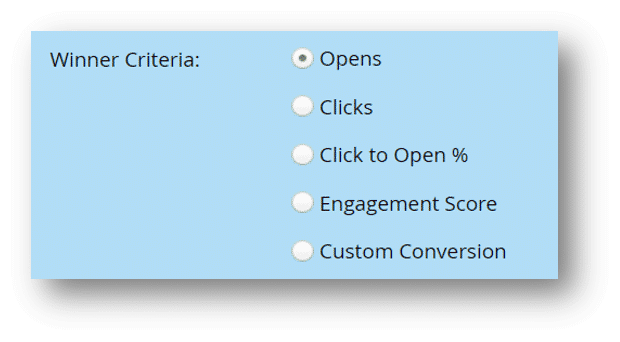
For each test, select the winner criteria from the following list:
-
Opens: used for Subject Line, From Address, and Date/Time tests.
-
Clicks/Click to Open %: used for Design tests.
-
Engagement Score: can be used for any test because it takes multiple metrics into account. Remember that the Engagement Score considers opens, clicks, program success, and opt-outs, and provides one holistic score from 0 to 100, with 50 being average.
-
Custom Conversion: can be used with any test type, allowing you to define winning criteria by a person’s specific behavior (trigger). For example, if your email encouraged people to click through to your website, fill out a form, and download a research paper, then your Custom Conversion criteria could be which version of the email generated more form fill outs.
Declare winner
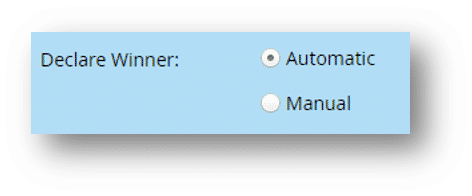
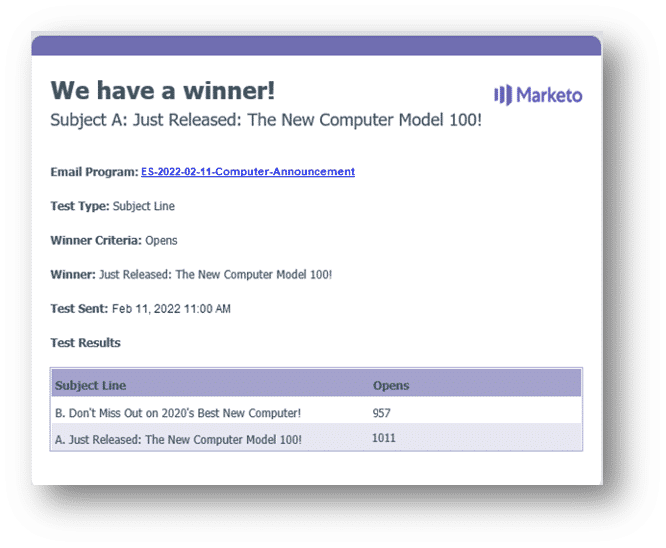
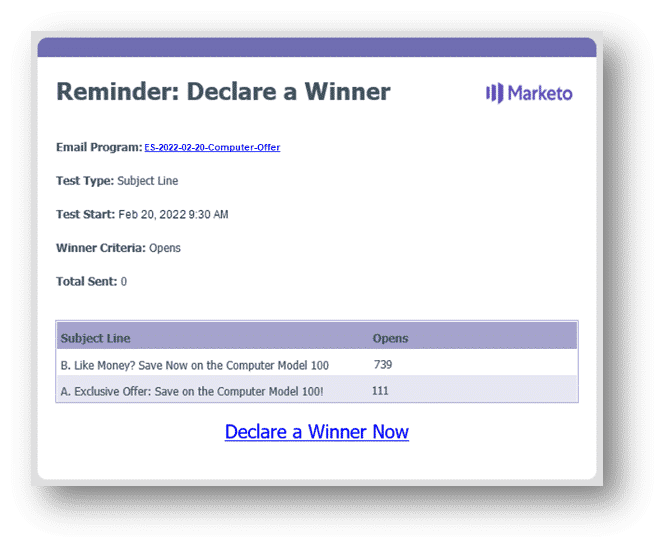
Once you’ve determined your winner criteria, choose how you want the winning version of your email to be declared: Automatic or Manual.
Can you guess which version of this email generated more definitive guide downloads?


Guess the winner
The first photo!
This does not mean that all of your email hero images need to look like this one. The point of A/B testing is to better understand your audience. Even if your preference was not the winner, each audience is unique, and you need to perform A/B testing to determine what works best for your goals.
Demonstration: set up an email A/B test and approve the program
Now that you know more about A/B tests, you'll learn how to build an A/B test for this product announcement email. To do this:
-
Add an A/B test to your email program
-
Define the test settings
-
Define the winner criteria
-
Schedule when the test emails and the winner will be sent automatically.
The email is ready to send out, so the expert needs to approve the final configuration. Note that they scheduled the email using the A/B test, so they do not need to schedule this on the schedule tile.
In the next step, you will learn more about measuring your email program’s success.